Template
Graphite - a grey link in bio template
Graphite is a charcoal dark-mode template with subtly cool grey tones and elevated card surfaces - the softer alternative to pure black for creators who want a dark page with more nuance than Midnight.
The palette
Colors in this template
Background
Cards
Accent
Borders
Text
Subtext
Muted
Why Linky
Why creators choose Linky
- Custom domains
- Connect your own domain on a paid plan to make your page feel truly yours.
- Beautiful themes
- Make it yours with custom colours, fonts, and a palette that matches your brand.
- Rich blocks
- Music, video, social feeds, and more - not just links. Your page stays fresh automatically.
- Analytics
- See views and clicks on your blocks and links with built-in analytics on Premium.
- Fast & simple
- Build your page in minutes with a drag-and-drop editor. No coding required.
- Verified pages
- Get a verified badge on your page to show your audience that it is the real you.
01
Dark mode with dimension
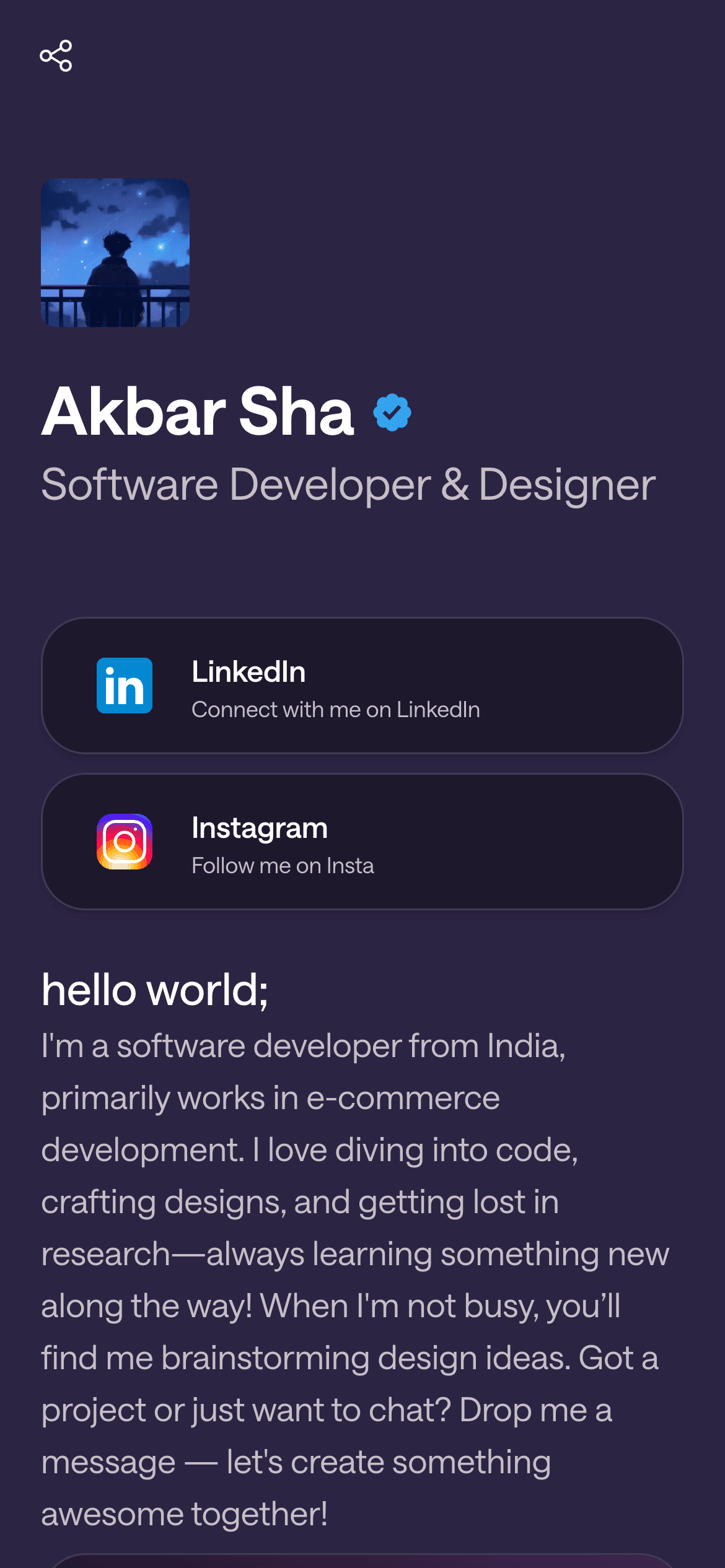
Where Midnight commits to pure black, Graphite works in charcoal. The page base sits at 12 % lightness with a barely-there cool cast (hue 220 at just 6 % saturation), and - uniquely among Linky’s dark themes - link cards rise to 17 % lightness, sitting visibly above the page like elevated surfaces in a modern app interface. A soft grey border at 26 % lightness completes the layered effect.
Your theme, your colours
A real Linky page
02
What's in the Graphite palette
Seven colour roles: a charcoal base, a lighter elevated primary card, a light-grey secondary surface for avatar placeholders, a medium-grey border, a pure-white primary label, a cool light-grey secondary label at 72 % lightness, and a near-white tertiary label. The consistent whisper of blue in every grey keeps the palette feeling considered rather than default - the same trick the Slate theme plays in light mode.
03
Who Graphite is best for
Graphite suits creators who want dark mode without drama: product designers, developers, photographers who find pure black too stark, podcast hosts, and professionals who want a page that reads as serious after sunset. The elevated-card structure mirrors the design language of modern software interfaces, which makes it feel instantly familiar to a tech-literate audience.
Playing Now
ten
Fred again
Live blocks that refresh automatically
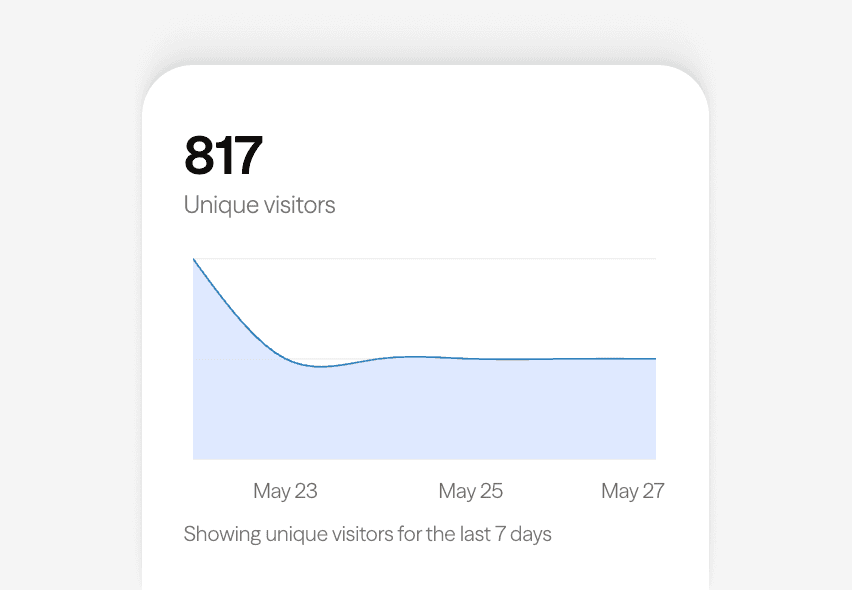
Built-in analytics on every page
04
Sharpening Graphite in the editor
Open Graphite in the Linky editor and tune the character of the grey. Warming the hue towards 30-40 with a touch more saturation produces a taupe-charcoal that pairs beautifully with film photography; pushing saturation up at the existing hue deepens the blue-grey, approaching a dark slate. Lightening the cards further increases the elevation effect, while matching them to the base flattens the page towards Midnight’s aesthetic.
Gallery
More templates
Classic
Violet
Midnight
Forest
Lilac
Orange Punch
Ocean
Blush
Sandstone
Slate
Neon
Mocha
Sunbeam
Cherry
Sage
Sky
Lagoon
Mulberry
Peach
Vapor
Paper
Frequently asked questions
Everything you need to know to get started.
Free forever
Your page is one username away
Claim your link in bio and have it live in minutes - free, no credit card.
No credit card · Connect a custom domain anytime · Cancel whenever