Beacons alternative
Linky: a Beacons alternative focused on expressive live-data pages
Linky is a link-in-bio builder with live social and music blocks, custom theming, and an affordable paid tier - a focused alternative to Beacons for creators who want a clean, fast page without a built-in storefront.
At a glance
What you get with Linky
Live social/music blocks
Yes - Spotify, Instagram, TikTok, GitHub, YouTube, and more
Custom domain
Premium plan ($4/month)
Built-in storefront
Not included
Team workspace
Team plan - up to 5 seats ($14/month)
Side by side
Linky vs Beacons
A fair look at how the two compare, feature by feature.
| Feature | Linky | Beacons |
|---|---|---|
| Live social/music blocks | Yes - Spotify, Instagram, TikTok, GitHub, YouTube, and more | Social embeds available |
| Custom domain | Premium plan ($4/month) | Available on paid plans |
| Built-in storefront | Not included | Yes - digital products and tipping |
| Team workspace | Team plan - up to 5 seats ($14/month) | Collaboration features available |
| Page analytics | Included in Premium | Available on paid plans |
Make the switch
Switching from Beacons takes minutes
- 1
Claim your username
Your page is live at lin.ky/yourname the moment you sign up. Free, no credit card.
- 2
Rebuild your links
Add a block for each link, connect your integrations, and pick a theme. Most pages take a few minutes.
- 3
Update your bios
Swap your Beacons link for your new one on Instagram, TikTok, and everywhere else. Done.
Why Linky
Why creators switch to Linky
- Custom domains
- Connect your own domain on a paid plan to make your page feel truly yours.
- Beautiful themes
- Make it yours with custom colours, fonts, and a palette that matches your brand.
- Rich blocks
- Music, video, social feeds, and more - not just links. Your page stays fresh automatically.
- Analytics
- See views and clicks on your blocks and links with built-in analytics on Premium.
- Fast & simple
- Build your page in minutes with a drag-and-drop editor. No coding required.
- Verified pages
- Get a verified badge on your page to show your audience that it is the real you.
01
What to look for in a Beacons alternative
Beacons packages a link page, a media kit, and a creator store into one platform. When evaluating alternatives, consider which of those features you actually use. If you do not sell digital products or sponsorships through your link page, a leaner tool may load faster, look cleaner, and cost less. The most relevant factors are live social integrations, customisation depth, custom domain support, and how the analytics stack up.
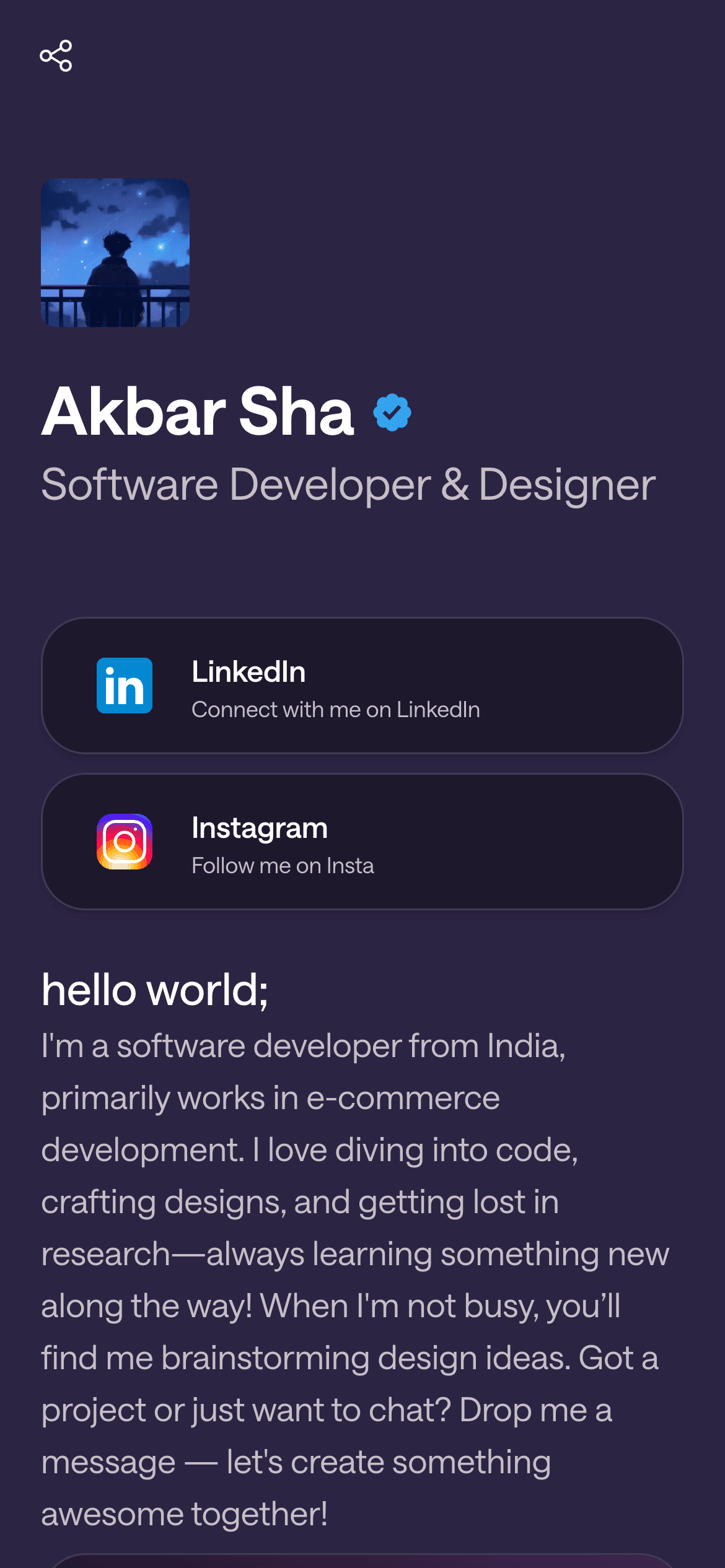
A real Linky page

Playing Now
ten
Fred again
Live blocks that refresh automatically
02
Where Linky stands out
Linky is purpose-built around live content blocks. Its Instagram block pulls in your latest post and follower count; the Spotify block shows what you are currently listening to or your most recently played track; the TikTok block displays follower count and recent posts; the GitHub block shows recent commits. These make a Linky page feel current without daily maintenance. Linky's theming system lets you pick custom colour palettes and fonts, giving your page a distinct look that matches your brand. Custom domains are available on the Premium plan at $4/month, which also includes unlimited pages and blocks, a verification badge, private pages, and analytics. The Team plan ($14/month) adds a shared workspace for up to five collaborators.
03
What Beacons is genuinely good at
Beacons is a strong choice for creators whose business model centres on monetisation through the link page itself - selling presets, LUTs, ebooks, or other digital products, or managing brand deal inquiries via its media kit features. Its free tier is generous, and it has built a reputation among YouTube and TikTok creators. If commerce and media kit features are central to your workflow, Beacons is worth evaluating on its own merits.
Your theme, your colours
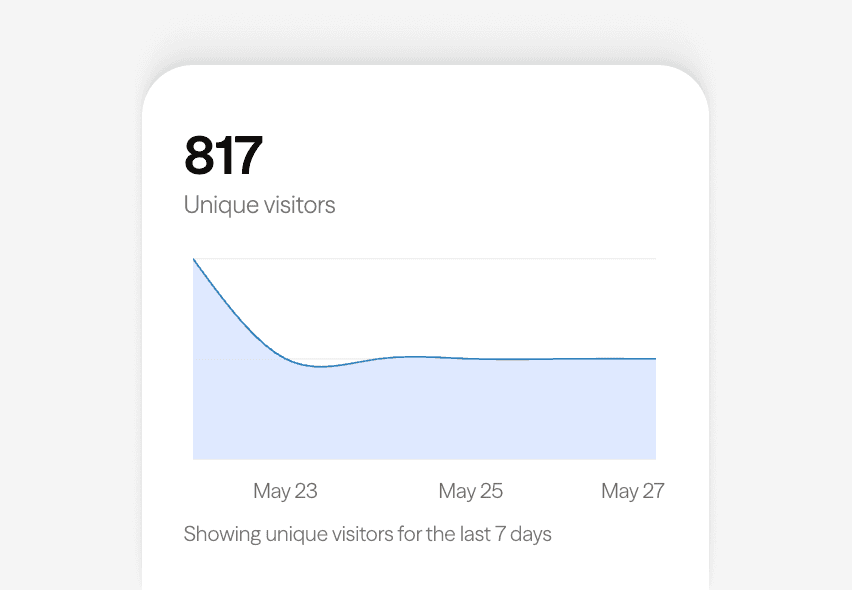
Built-in analytics on every page
04
Getting started with Linky
Sign up at lin.ky, choose a username, and open the editor. Add a links block for your key URLs, then layer in live blocks for your active social accounts - Instagram, Spotify, TikTok, GitHub, or YouTube. Choose a theme to match your visual identity. Once the page is ready, upgrade to Premium if you want a custom domain or analytics, then swap the URL in your social bios.
05
Who should choose Linky
Linky is a good fit for creators and developers who want a live, content-rich page and do not need a built-in storefront. Musicians, visual artists, developers, and anyone with active social accounts that they want surfaced directly on their page will get the most from Linky's live-data blocks. Teams that collaborate on a shared page benefit from the Team plan's workspace and seat management.



Bring all your socials together
Frequently asked questions
Everything you need to know to get started.
Free forever
Your page is one username away
Claim your link in bio and have it live in minutes - free, no credit card.
No credit card · Connect a custom domain anytime · Cancel whenever