Link in bio
The best link in bio for musicians
Linky lets musicians show what they are currently playing on Spotify, link out to every streaming platform, and embed YouTube videos - all from a single, branded page that looks as good as their cover art.
Blocks
Blocks made for musicians
- Spotify Now Playing
Shows the track you are currently or most recently playing on Spotify.
- Link
A prominent, tappable button linking anywhere you choose.
- YouTube
Embed a YouTube video to play right on your page.
Why Linky
Why creators choose Linky
- Custom domains
- Connect your own domain on a paid plan to make your page feel truly yours.
- Beautiful themes
- Make it yours with custom colours, fonts, and a palette that matches your brand.
- Rich blocks
- Music, video, social feeds, and more - not just links. Your page stays fresh automatically.
- Analytics
- See views and clicks on your blocks and links with built-in analytics on Premium.
- Fast & simple
- Build your page in minutes with a drag-and-drop editor. No coding required.
- Verified pages
- Get a verified badge on your page to show your audience that it is the real you.
01
Why musicians need a single link in bio
Streaming is fragmented. Your audience is split across Spotify, Apple Music, YouTube, SoundCloud, Bandcamp, and wherever the next platform lands. When Instagram and TikTok only give you one URL, trying to cram every platform into your caption fails. A link-in-bio page collects all of those destinations in one place so fans can choose the platform they already use - instead of giving up and bouncing.
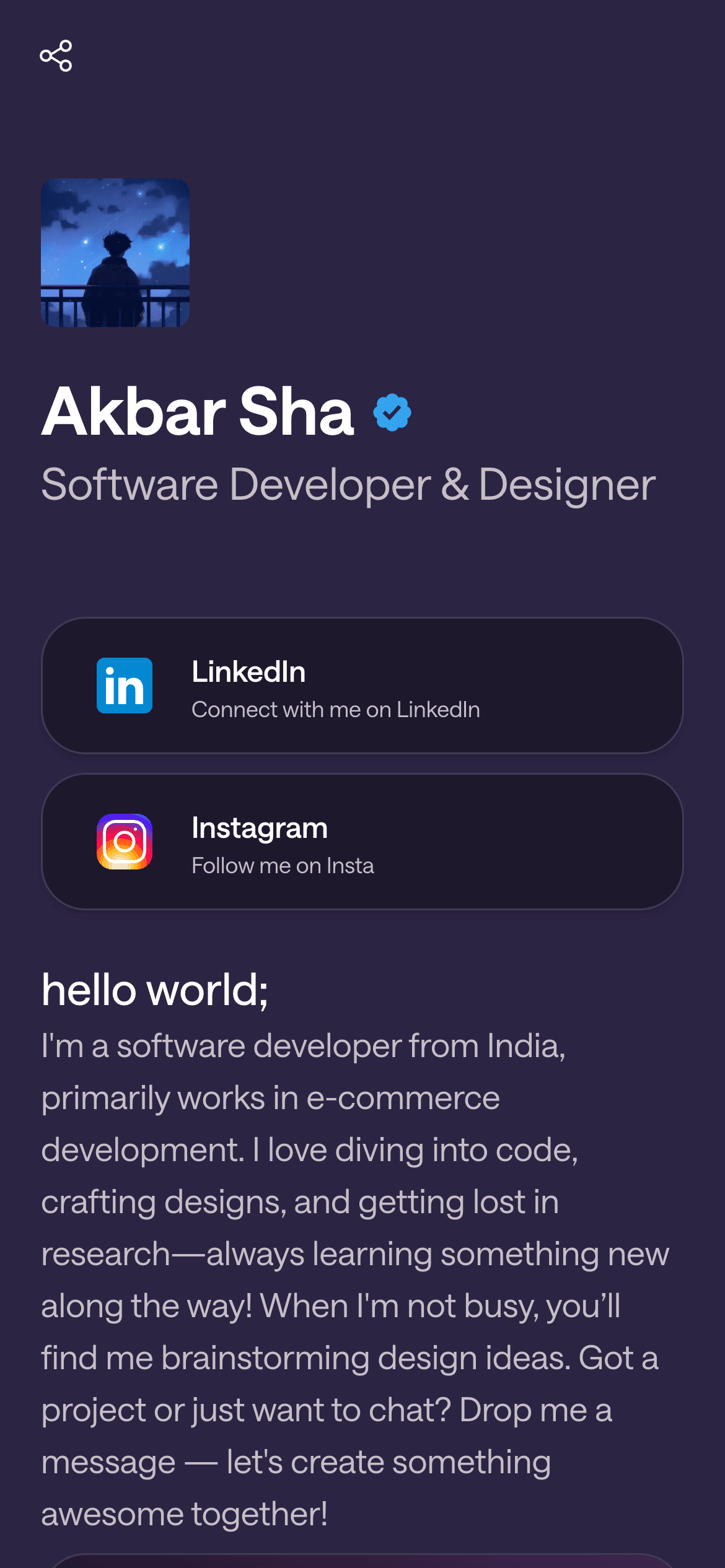
A real Linky page

Playing Now
ten
Fred again
Live blocks that refresh automatically
02
Which Linky blocks suit musicians best
The Spotify Now Playing block is the standout feature for music makers. It pulls your current or most recently played track from the Spotify API and keeps it live on your page - visitors see exactly what you are listening to or working on right now. Pair it with a YouTube block to embed a music video or live session directly in the page, and use Link Box blocks to send fans to your Spotify artist profile, Apple Music page, Bandcamp store, or merchandise shop. Every block updates automatically, so your page stays current without you having to touch it.
03
A suggested page setup for musicians
Start with a Header block at the top - artist name, a short bio, and your profile image. Below that, drop in the Spotify Now Playing block so the first thing fans see is what you are listening to. Add a YouTube block with your latest music video or lyric video underneath. Fill in three or four Link Box blocks pointing to Spotify, Apple Music, your merch store, and your tour dates page. That covers the core use cases: discovery, streaming, commerce, and live shows - all in one scroll.
Your theme, your colours
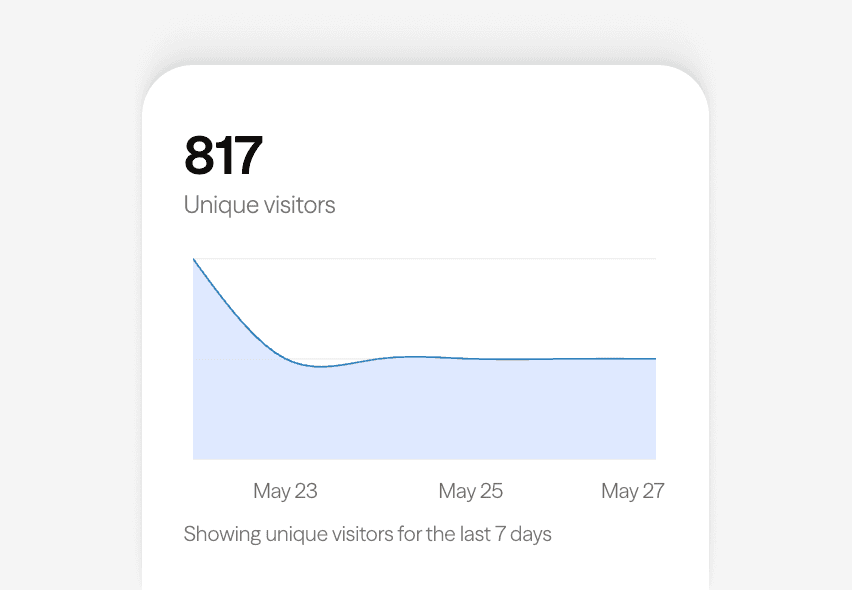
Built-in analytics on every page
04
Themes and branding for musicians
Midnight is the default recommendation for musicians because the pure-black canvas makes album artwork and video thumbnails pop with maximum contrast. If your brand runs darker or more moody, it holds up well under any accent colour you set. Alternatively, Violet gives a deep purple backdrop that works well for artists in electronic, ambient, or lo-fi spaces. Whatever theme you pick, Linky lets you match the page palette to your current release artwork so the whole profile feels intentional.
05
Getting started: from sign-up to live page in under five minutes
Create a free Linky account at lin.ky - no credit card required. In the editor, set your username (ideally your artist name), upload a profile photo, and write a one-line bio. Connect your Spotify account via the Integrations tab; Linky only requests read-only access to your listening activity. Add blocks in the order you want fans to see them, preview on mobile, and hit Publish. Your link-in-bio is live and ready to drop into every social profile.



Bring all your socials together
Next
Recommended for you

Frequently asked questions
Everything you need to know to get started.
Free forever
Your page is one username away
Claim your link in bio and have it live in minutes - free, no credit card.
No credit card · Connect a custom domain anytime · Cancel whenever