Linktree alternative
Linky: the Linktree alternative built for rich, expressive pages
Linky is a link-in-bio builder that goes beyond a plain list of links, offering rich content blocks - including live Spotify, Instagram, GitHub, and more - alongside custom domains and a polished theming system.
At a glance
What you get with Linky
Rich content blocks (Spotify, Instagram, GitHub, etc.)
Yes - live data blocks built in
Custom domain
Premium plan ($4/month)
Page analytics
Included in Premium
Team workspace
Team plan - up to 5 seats ($14/month)
Side by side
Linky vs Linktree
A fair look at how the two compare, feature by feature.
| Feature | Linky | Linktree |
|---|---|---|
| Rich content blocks (Spotify, Instagram, GitHub, etc.) | Yes - live data blocks built in | Limited; mostly link-list focused |
| Custom domain | Premium plan ($4/month) | Available on paid plans |
| Page analytics | Included in Premium | Available on paid plans |
| Team workspace | Team plan - up to 5 seats ($14/month) | Available on higher-tier plans |
| Free tier | Yes - free page with blocks | Yes - free to start |
Make the switch
Switching from Linktree takes minutes
- 1
Claim your username
Your page is live at lin.ky/yourname the moment you sign up. Free, no credit card.
- 2
Rebuild your links
Add a block for each link, connect your integrations, and pick a theme. Most pages take a few minutes.
- 3
Update your bios
Swap your Linktree link for your new one on Instagram, TikTok, and everywhere else. Done.
Why Linky
Why creators switch to Linky
- Custom domains
- Connect your own domain on a paid plan to make your page feel truly yours.
- Beautiful themes
- Make it yours with custom colours, fonts, and a palette that matches your brand.
- Rich blocks
- Music, video, social feeds, and more - not just links. Your page stays fresh automatically.
- Analytics
- See views and clicks on your blocks and links with built-in analytics on Premium.
- Fast & simple
- Build your page in minutes with a drag-and-drop editor. No coding required.
- Verified pages
- Get a verified badge on your page to show your audience that it is the real you.
01
What to look for in a Linktree alternative
A Linktree alternative should do more than host a numbered list of URLs. The most important things to consider are the variety of content blocks available, how much you can customise the look and feel of your page, whether you can use a custom domain, and what the analytics look like. Some tools bolt on features as paid add-ons; others include them in a single affordable tier. Think about which content types matter to you - music, social feeds, writing, code - before committing to any platform.
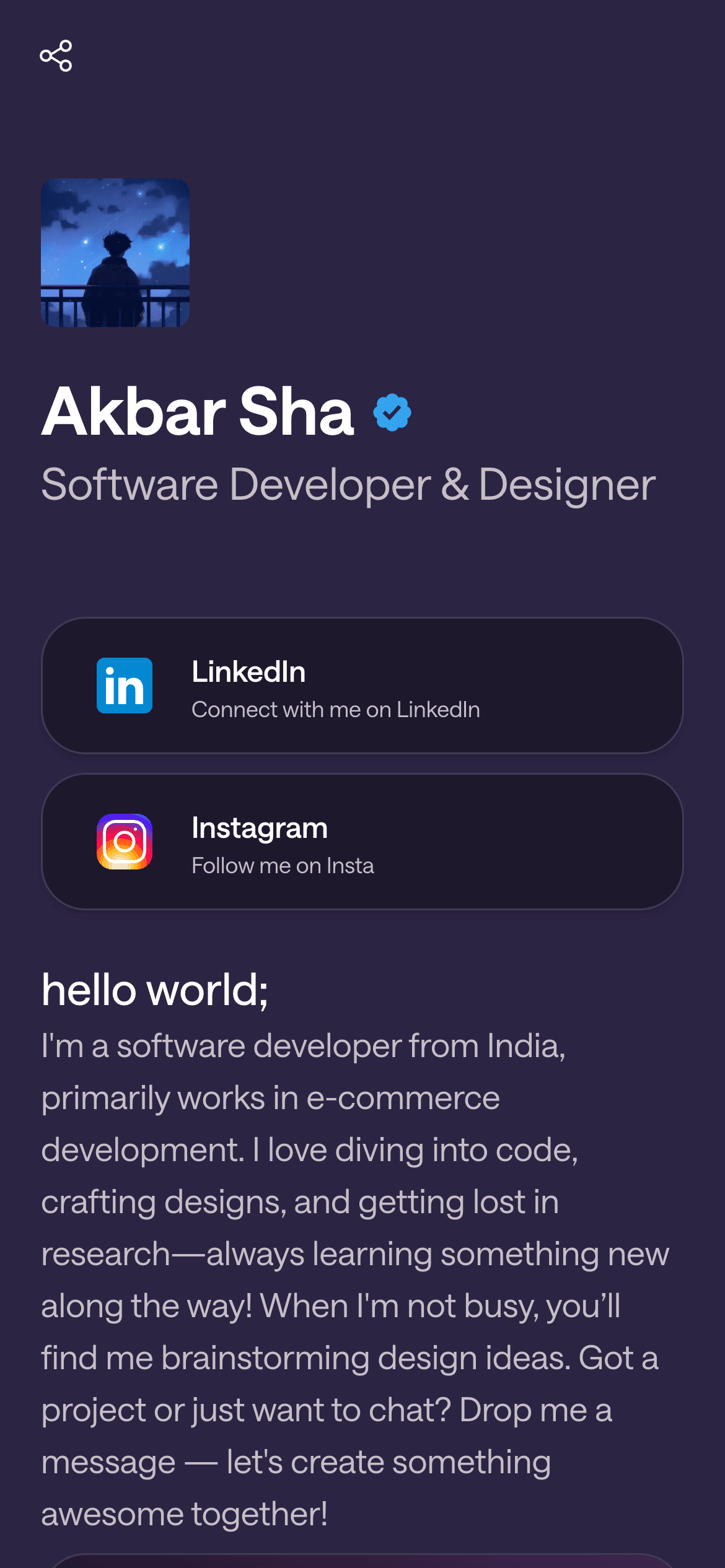
A real Linky page

Playing Now
ten
Fred again
Live blocks that refresh automatically
02
Where Linky stands out
Linky was built around the idea that a link-in-bio page should feel like a real piece of your online identity, not a glorified bookmark list. It ships with rich content blocks out of the box: a live Spotify "now playing" block, an Instagram latest-post block, a TikTok follower-count block, a GitHub recent-commits block, a YouTube embed, an interactive map, a waitlist/email capture block, and more. These pull in live data so your page stays fresh without manual updates. On the customisation side, Linky offers custom colour palettes and font pairings through its themes system. Custom domains are available on the Premium plan ($4/month), along with unlimited pages and blocks, a verification badge, private pages, and page analytics. The Team plan ($14/month) adds a shared team space and up to five seats.
03
What Linktree is genuinely good at
Linktree is the most recognised name in the space and has been around since 2016, which means it has a large ecosystem of integrations and a well-documented onboarding flow. Its free tier is broadly accessible, and its Pro and Premium tiers include scheduling, priority links, and a marketplace of third-party integrations. If you are already deep in the Linktree ecosystem or your team is familiar with it, switching does carry a switching cost worth considering.
Your theme, your colours
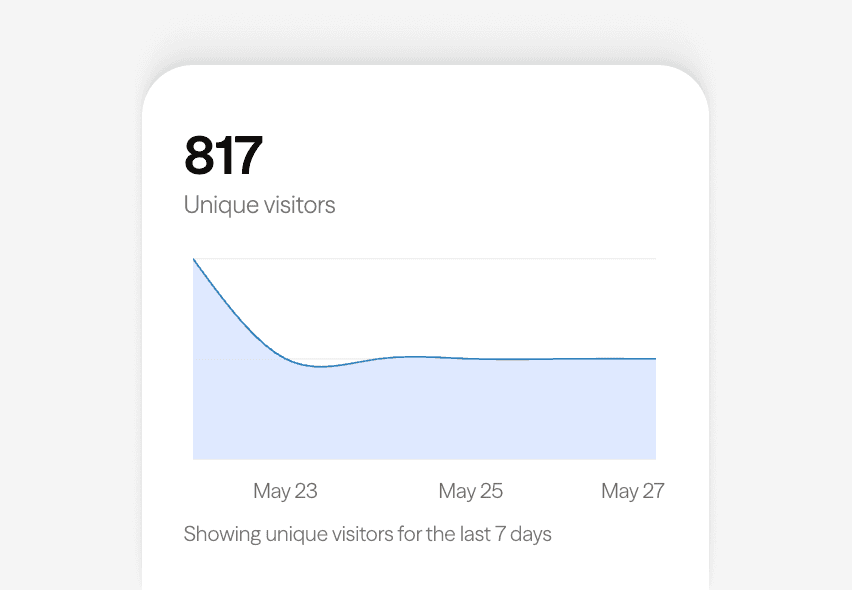
Built-in analytics on every page
04
Switching to Linky
Getting started with Linky takes a few minutes. Sign up for free, claim your username, and start adding blocks from the editor. When you are ready, connect your social accounts for live feed blocks, pick a theme, and point your custom domain (Premium plan required). You can recreate your Linktree links one by one in the links block - there is no automated import, but most pages are small enough that this is quick. Once live, update your Instagram bio, TikTok bio, and anywhere else you link from.
05
Who should choose Linky
Linky is a strong fit for creators who want their page to feel alive - musicians who want Spotify playback, developers who want to show recent commits, creators with active Instagram or TikTok accounts. It is also a good option for small teams that need a shared workspace without enterprise pricing. If a plain list of links is all you need and you are happy on Linktree's free tier, there may be less reason to switch; but if you have outgrown that model, Linky is worth a look.



Bring all your socials together
Frequently asked questions
Everything you need to know to get started.
Free forever
Your page is one username away
Claim your link in bio and have it live in minutes - free, no credit card.
No credit card · Connect a custom domain anytime · Cancel whenever