Link in bio
The best link in bio for photographers
Linky gives photographers a visual-first link page that puts their latest Instagram post front and centre, links to their portfolio and booking site, and matches the clean, high-contrast aesthetic that photography brands demand.
Blocks
Blocks made for photographers
- Image
Showcase a photo, cover art, logo, or product shot.
- Link
A prominent, tappable button linking anywhere you choose.
- Instagram latest post
Displays your most recent Instagram post, refreshed automatically.
Why Linky
Why creators choose Linky
- Custom domains
- Connect your own domain on a paid plan to make your page feel truly yours.
- Beautiful themes
- Make it yours with custom colours, fonts, and a palette that matches your brand.
- Rich blocks
- Music, video, social feeds, and more - not just links. Your page stays fresh automatically.
- Analytics
- See views and clicks on your blocks and links with built-in analytics on Premium.
- Fast & simple
- Build your page in minutes with a drag-and-drop editor. No coding required.
- Verified pages
- Get a verified badge on your page to show your audience that it is the real you.
01
Why photographers need a strong link in bio
Instagram is the primary portfolio for most photographers, but the single link in bio is where discovery turns into action. When a potential client or publication lands on your profile and wants to hire you, they need a fast path to your portfolio, your rates or booking page, and a way to contact you. A link-in-bio page that looks as polished as your feed gives that first impression the same care you put into every shot.
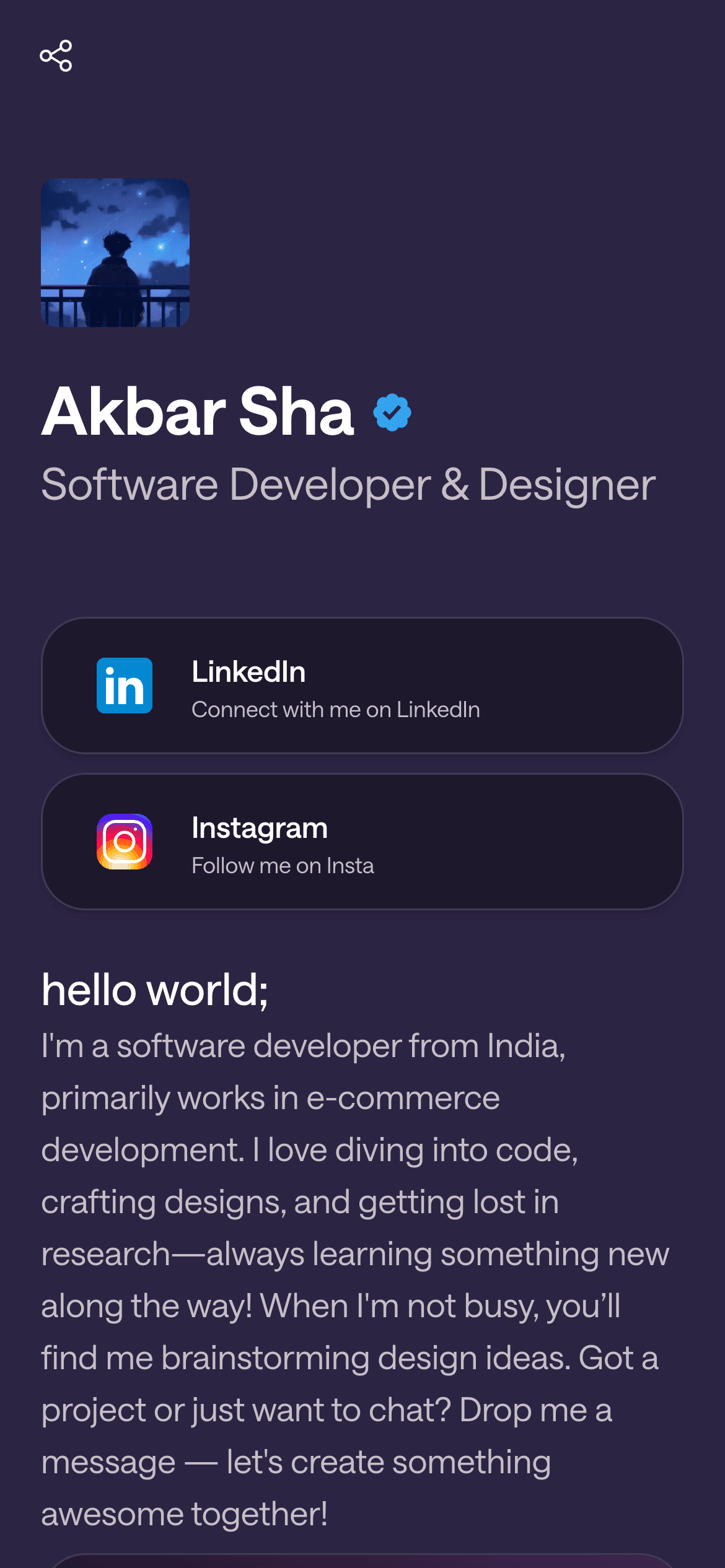
A real Linky page
Playing Now
ten
Fred again
Live blocks that refresh automatically
02
Linky blocks built for visual storytelling
The Instagram Latest Post block automatically pulls your most recent Instagram image and keeps it live on the page - so your Linky page and your Instagram feed are always in sync without any manual work. The Image block lets you pin a specific hero shot, print preview, or campaign image that you want every visitor to see regardless of when they land. Layer in Link Box blocks to route traffic to your portfolio site, your online print shop, your booking or inquiry form, and your editorial work. Together these blocks make the page do the heavy lifting so you can stay focused on shooting.
03
A suggested page setup for photographers
Lead with a Header block: your name, your specialty (wedding, portrait, commercial, etc.), and your location. Below that, place the Instagram Latest Post block so visitors immediately see your current work. Add an Image block pinned to a strong editorial piece or personal project if you want to highlight something that might not be your most recent post. Then stack three or four Link Box blocks: portfolio site, print shop, booking form, and Instagram handle. Keep the copy on each Link Box direct - 'Book a session', 'Buy prints', 'See my portfolio'.
Your theme, your colours
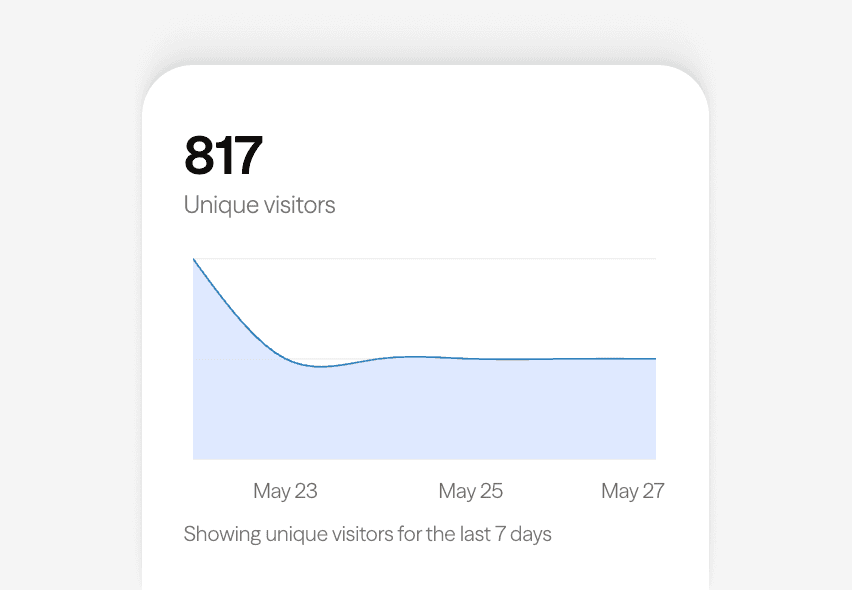
Built-in analytics on every page
04
Choosing a visual theme for your photography brand
Midnight - pure black - is the most common choice among photographers because it replicates the gallery-wall experience and makes any image genre look intentional: rich skin tones, vivid landscapes, or high-key editorial shots all benefit from a dark canvas. If your work leans towards fine art or film photography, Violet adds depth without competing with warm tones. Classic (off-white) suits lifestyle, wedding, or newborn photographers whose brand tends toward light and airy. Pick the theme that matches your existing brand identity, not just the one that looks good in the editor.
05
Tips for photographers going live on Linky
Use your real name or studio name as your username - it is the URL people will type or tap, so clarity matters more than being clever. Connect your Instagram Business or Creator account in the Integrations tab so the Latest Post block activates. Set up your Link Box blocks in priority order: whatever converts best for you (usually booking) goes first. On paid plans you can point a custom domain like links.yourstudio.com at your Linky page, which reinforces your brand every time you share the URL.



Bring all your socials together
Next
Recommended for you

Connect instagram to show live data on your Linky page.
Midnight is a pure-black, achromatic dark-mode template with white text and a subtle dark-grey border, delivering the highest-contrast look available on Linky for creators who want a bold, no-colour aesthetic.
Frequently asked questions
Everything you need to know to get started.
Free forever
Your page is one username away
Claim your link in bio and have it live in minutes - free, no credit card.
No credit card · Connect a custom domain anytime · Cancel whenever