Blog5 min read
What to put in your link in bio when you're a stand-up comedian
A link in bio plan for stand-up comedians: one clip, one ticket link, tour dates and a mailing list, in the order that gets someone to your next show.

Hana
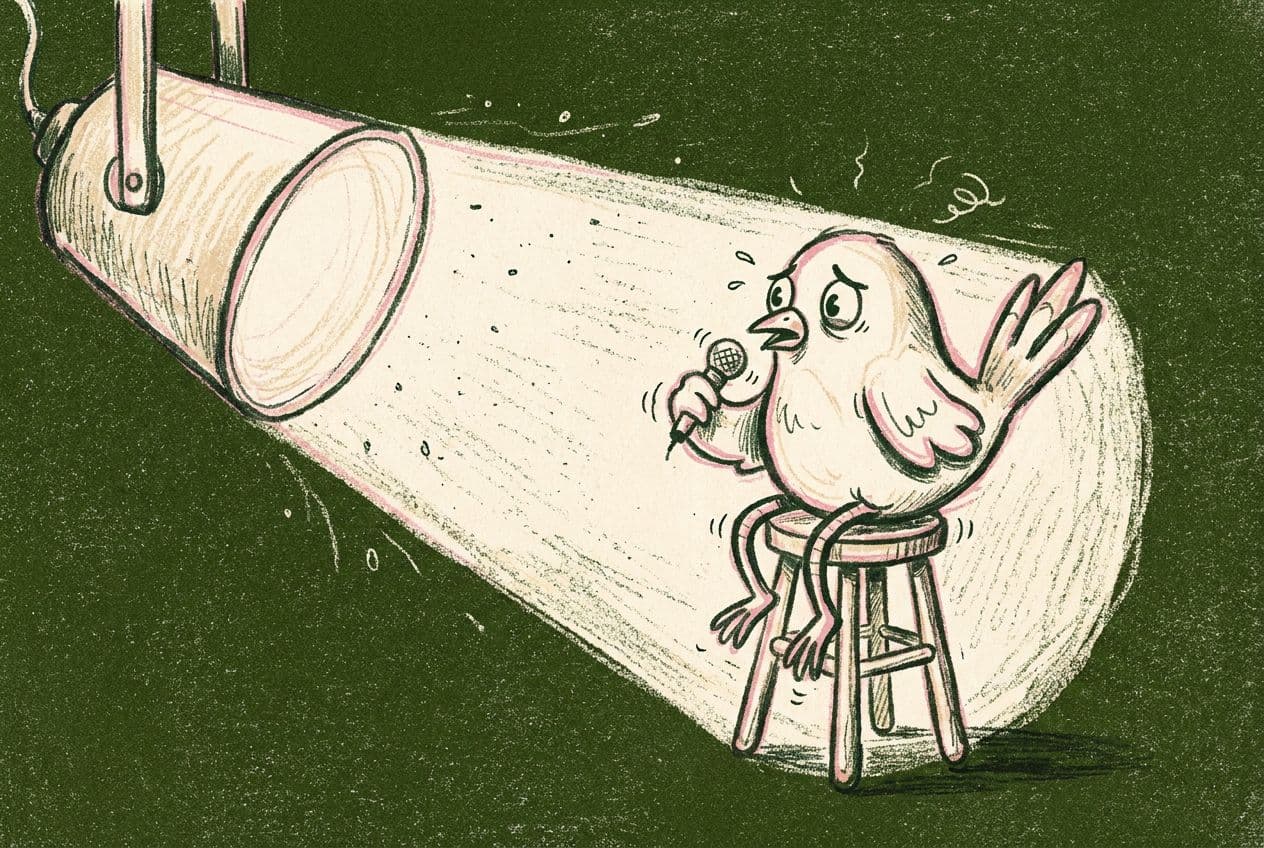
A stranger watches 40 seconds of your set on Reels, laughs, and taps your profile. They are standing in a queue or on a train, and they will give you about one decision. If your bio link opens onto nine buttons and a list of every show since 2022, they will put the phone away and forget your name by the time the train arrives.
Comedians have a particular problem. Your product is a night out on a specific date in a specific city, so the page has to change when the tour changes. This post covers what belongs on it and what to cut.
What should be at the top of a comedian's bio link?
Put one short clip first, then the ticket link for the next show you are playing. A clip tells a new person whether you are funny. A ticket link gives the person who already knows that a way to act on it.
Pick the clip with care. Use a bit that works with no setup, runs under two minutes and ends on a laugh. A full special is a good second link and a poor first one.
Linky has a YouTube block that plays the video on the page, so a visitor can watch without leaving. Put your best clip there and keep the rest of the page for what the clip leads to.
Which tour dates should you list?
List the shows people can still buy tickets for, and nothing else. A page that shows 14 dates with six of them in the past tells a visitor you are not busy, even when you are.
A few rules that keep the list useful:
- Show the next three to five dates. Anything beyond that belongs on a separate tour page, linked once.
- Name the city and the venue. "Friday, Leeds, The Wardrobe" tells a reader whether it is worth their evening. "Friday" does not.
- Link each date to the ticket seller for that room. If the venue sells its own tickets, link there. If you use a service like Eventbrite or Bandsintown, link to the specific event, not their homepage.
- Delete a date the day after the show. Make this a habit tied to the gig itself, like unpacking your bag.
If you are touring, Bandsintown can hold the full schedule so you only maintain one list. Link to your artist page on it from your bio link and keep the three nearest shows as their own buttons.
Do you need a mailing list as a comedian?
Yes, and it matters more than any other link you put on the page. Writer David Zucker looked at comedians' Linktree analytics in early 2024 and described total clicks as "depressingly low." The mailing list sign-up was the most-clicked link when a comedian had one, with the website a distant second and other social profiles clicked least. He did not publish exact figures or a sample size, so treat it as an observation rather than a benchmark. His write-up is worth reading in full.
It also matches how comedy sells. Followers see your posts only when an algorithm decides to show them. A mailing list reaches everyone who signed up, on the day you choose, when you announce a show in their city.
You can collect addresses on Linky with a Form block. Ask for an email address and, if you tour, a city or postcode so you can send each person only the shows near them. Submissions can be viewed in Linky and exported as a CSV file to load into your email tool. Linky does not send the emails, so you will need a separate tool for that. Our post on growing your email list from your link in bio covers what to say next to the sign-up button.
Say what people get, in one line. "One email when I play near you. No spam, no weekly newsletter" is a better offer than "Join my mailing list."
What should you cut?
Cut anything that does not help someone get to a show, a clip or your list. The usual offenders:
- Links to every social account. Fans can find them on your profile, and Zucker's observation is that these get few clicks.
- An "about me" link. Put two sentences in the header block of the page instead.
- Old specials with no ticket link attached. One "watch more" link is enough.
- Merch you stopped printing. A dead shop link costs you trust.
The goal is a page of four to six items. Our guide on how many links to have in your link in bio goes into why fewer is easier on the visitor.
How do you keep the page fresh on tour?
Keep one update habit and attach it to something you already do. Most comedians have a routine for the day a show goes on sale and the morning after a show, so the page update can ride along with them.
Here is a worked example. Say you are a comedian with 6,000 Instagram followers who has booked five shows in October and November. This is an invented example, not a real comic.
- Announcement day. Add the five dates, each linked to its own ticket page. Send one email to the list.
- Two weeks before a show. Move that show to the top of the list. Post a clip from the same set on Reels and tell people the link is in your bio.
- The morning after. Delete the date. Add the next one if a room has confirmed.
- Off weeks. Swap the ticket buttons for the mailing list and the best clip, so the page never looks empty.
With a Linky page, each of those is a short edit to a link block. You can do it from your phone in the green room.
Where does Instagram fit in?
Instagram lets you add up to five links to your profile, a change announced in April 2023. Only the first shows on your profile, with the others behind a tap, so most people will see one link. Make that one link your Linky page, and use the other four slots sparingly.
Links in post and Reel captions are not clickable, so say "link in bio" in the video itself or the caption. Our Instagram link in bio guide walks through the steps for adding yours.
A short checklist before your next show
- One clip first, one that works with no setup
- The next three to five dates, each linked to its own ticket page
- A mailing list sign-up with a one-line promise
- Nothing from a show that has already happened
- Four to six items in total
If you do not have a page yet, Linky is free to start, and you can set up a clip, a ticket link and a sign-up form in one sitting.