Spotify integration
Add Spotify to your link in bio
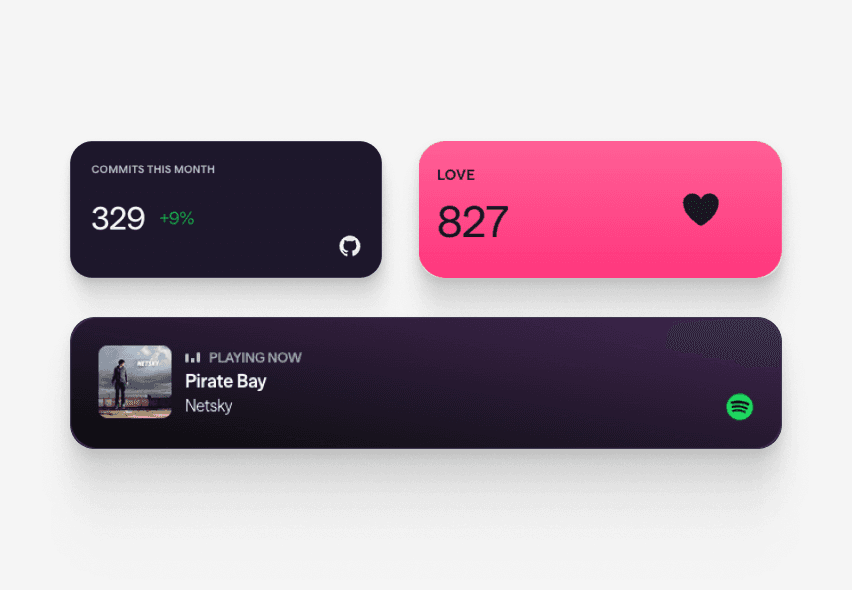
Connect your Spotify account to Linky and a "Now Playing" block will display your current or most recently played track directly on your link-in-bio page, staying up to date as your listening activity changes.

Integration
Spotify blocks
Now Playing
Displays the track you are currently playing on Spotify, or the last track you played if nothing is active right now.
What you can show
Live Spotify content on your page
These blocks connect directly to Spotify and refresh automatically - your page always shows the latest.
- Now Playing
Displays the track you are currently playing on Spotify, or the last track you played if nothing is active right now.
Why Linky
Why creators choose Linky
- Custom domains
- Connect your own domain on a paid plan to make your page feel truly yours.
- Beautiful themes
- Make it yours with custom colours, fonts, and a palette that matches your brand.
- Rich blocks
- Music, video, social feeds, and more - not just links. Your page stays fresh automatically.
- Analytics
- See views and clicks on your blocks and links with built-in analytics on Premium.
- Fast & simple
- Build your page in minutes with a drag-and-drop editor. No coding required.
- Verified pages
- Get a verified badge on your page to show your audience that it is the real you.
Drag and drop
Build your page in minutes
Add any block from the editor, connect your accounts, and hit publish. Linky fetches the latest data from your integrations automatically so your page stays fresh without any manual work.
01
What your Spotify block shows
The Spotify "Now Playing" block pulls your listening activity from the Spotify API and refreshes roughly every minute. When you have a song queued up, your visitors see the track title, artist, and album art. When your session is idle, the block falls back to whichever track you last played, so there is always something meaningful on screen.

Playing Now
ten
Fred again
Live blocks that refresh automatically
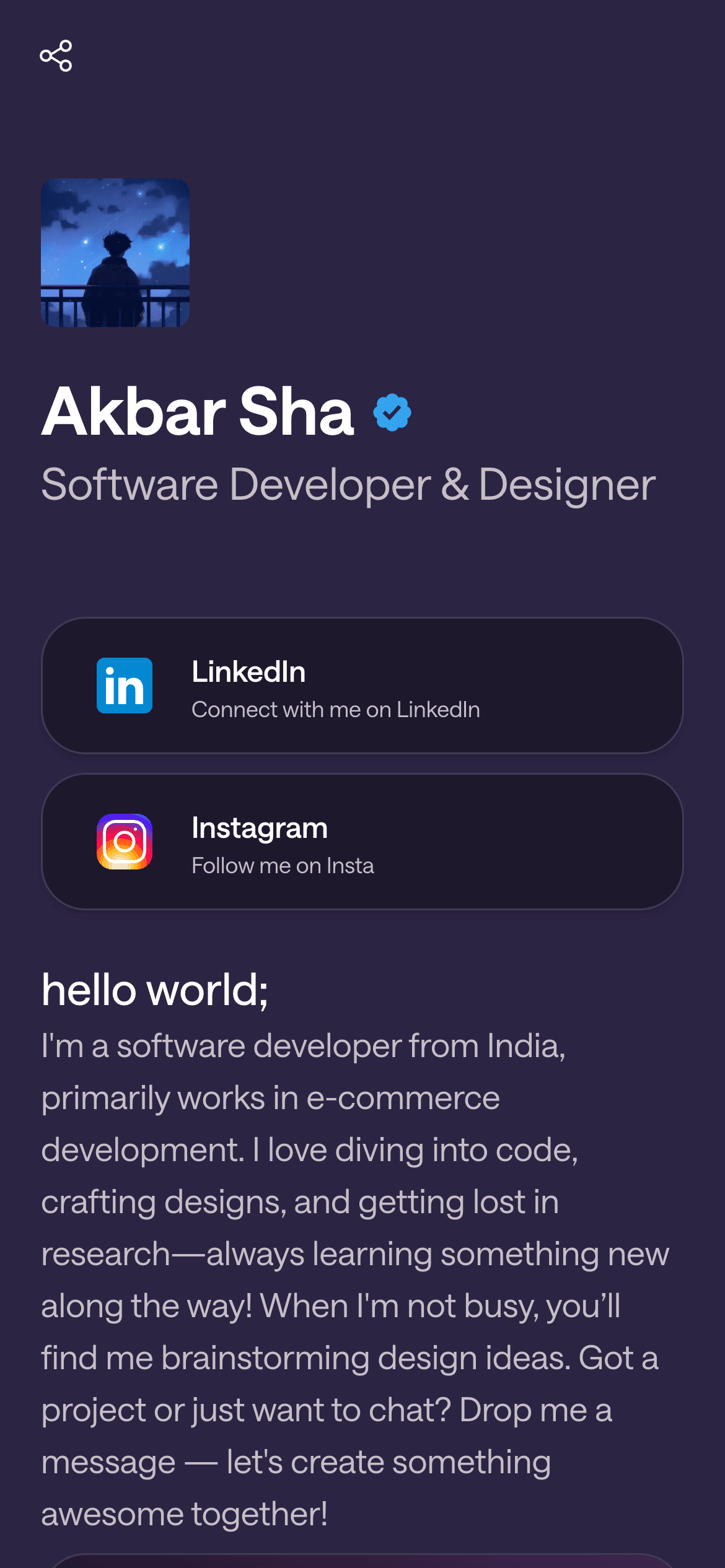
A real Linky page
02
How to add Spotify to your Linky page
Start by creating a free Linky page at lin.ky - it takes about 30 seconds. In the editor, click "Add block" and choose "Now Playing" from the Spotify section. You will be prompted to connect your Spotify account via OAuth; Linky only requests read access to your currently playing track and recently played history. Hit publish and your page is live.
03
Why musicians and music lovers use it
Spotify is how most of your audience already discovers music, so embedding your listening activity removes a step between your content and their interest. Artists use it to signal what influences their work, DJs use it to tease upcoming sets, and music journalists use it to show what they are reviewing. It turns a static link page into something that stays current as your listening activity changes.
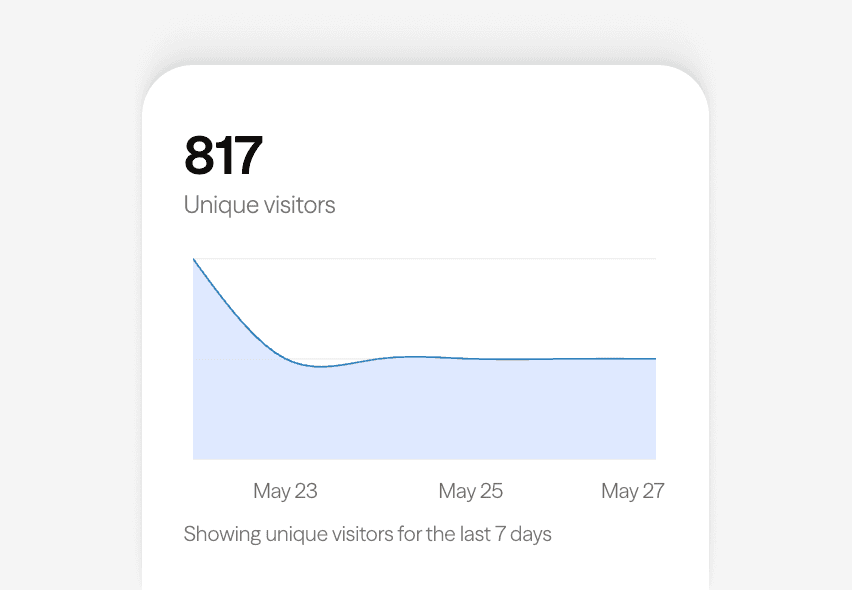
Built-in analytics on every page



Bring all your socials together
04
Pair it with the rest of your page
The Now Playing block looks especially good next to a Link Box pointing to your Spotify artist profile or latest release. Layer in a Header block with your artist bio and you have a complete landing page for anyone who lands on your link in bio. You can also match the page palette to your album artwork colours for a fully branded feel.
Frequently asked questions
Everything you need to know to get started.
Free forever
Your page is one username away
Claim your link in bio and have it live in minutes - free, no credit card.
No credit card · Connect a custom domain anytime · Cancel whenever