Link in bio
The best link in bio for developers
Linky gives software developers a clean, credibility-first link page that shows their live GitHub commit activity, links to their portfolio and open-source projects, and routes recruiters and collaborators to the right destination in a single tap.
Blocks
Blocks made for developers
- GitHub commits
Shows your commit count over roughly the last 30 days from your GitHub username.
- Link
A prominent, tappable button linking anywhere you choose.
- Text
A rich-text block for a bio, intro, or announcement.
Why Linky
Why creators choose Linky
- Custom domains
- Connect your own domain on a paid plan to make your page feel truly yours.
- Beautiful themes
- Make it yours with custom colours, fonts, and a palette that matches your brand.
- Rich blocks
- Music, video, social feeds, and more - not just links. Your page stays fresh automatically.
- Analytics
- See views and clicks on your blocks and links with built-in analytics on Premium.
- Fast & simple
- Build your page in minutes with a drag-and-drop editor. No coding required.
- Verified pages
- Get a verified badge on your page to show your audience that it is the real you.
01
Why developers benefit from a link-in-bio page
Developers typically have a presence across GitHub, LinkedIn, a personal blog, a portfolio site, and sometimes Twitter or Bluesky - but social bios only allow one link. The result is that a recruiter who finds you on Twitter can not easily get to your GitHub, and a potential collaborator reading your LinkedIn does not know about your open-source work. A link-in-bio page aggregates every important destination in one URL and keeps them all live simultaneously, so you stop having to choose which presence to sacrifice in your bio.
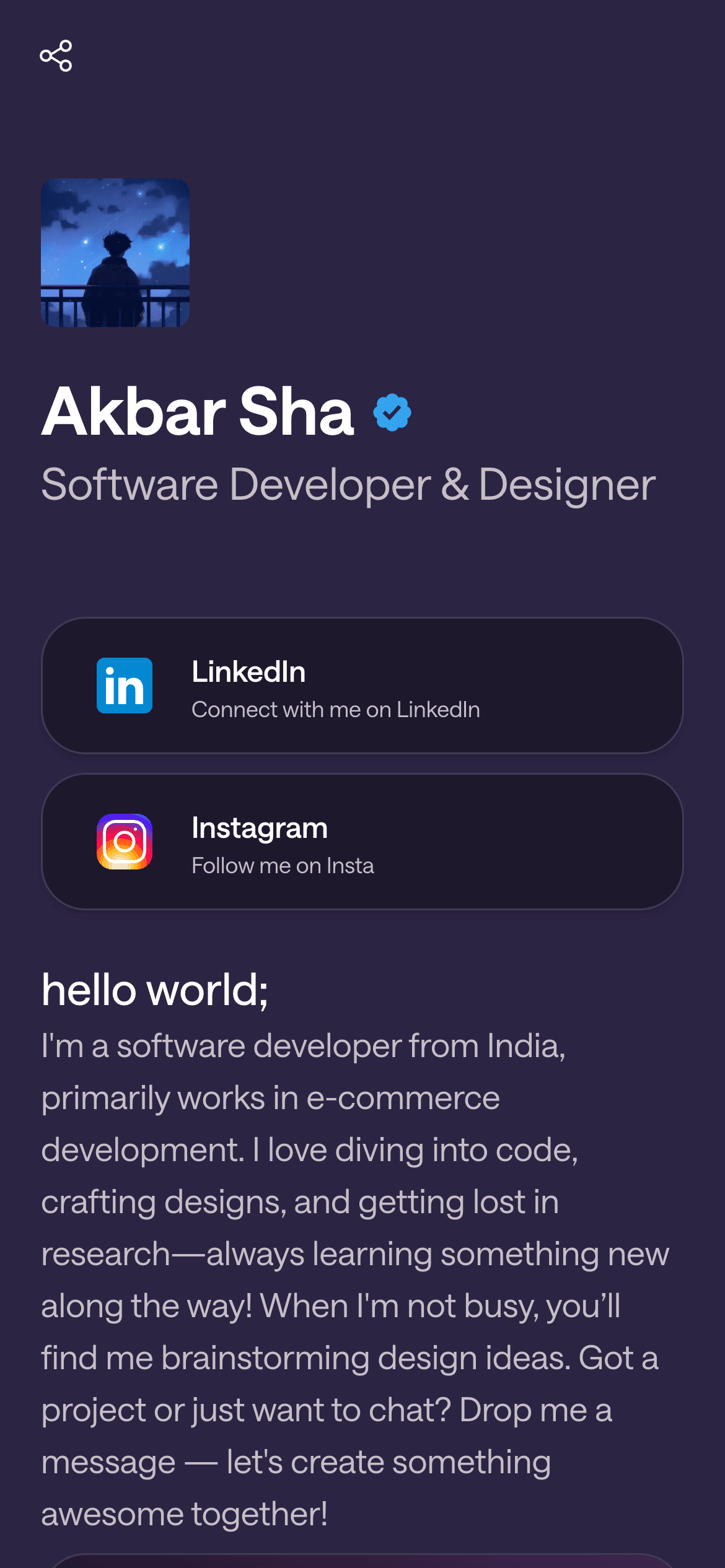
A real Linky page

Playing Now
ten
Fred again
Live blocks that refresh automatically
02
Linky blocks built for developers
The GitHub Commits This Month block is the most distinctive feature for developers on Linky: simply add the block and enter your GitHub username - no OAuth or account connection required - and it displays your real commit activity over a rolling window of roughly the past 30 days, live on the page. It is a concrete, data-driven signal of activity that says more about how you work than any self-description. Pair it with a Content block for a short technical bio - your stack, your current project focus, and what kinds of problems you are interested in. Use Link Box blocks to route visitors to your GitHub profile, portfolio or personal site, latest blog post, and any specific open-source project you want to highlight. If you are open to opportunities, a Link Box pointing to your CV or a contact form handles inbound efficiently.
03
A suggested page setup for developers
Open with a Header block: your name, a brief role description ('Full-stack engineer - TypeScript, Rust, distributed systems'), and a headshot or avatar. Below that, add the GitHub Commits This Month block - it immediately demonstrates that you are actively shipping code rather than just talking about it. Follow with a Content block summarising your current focus: the project you are building, the stack you work in, and whether you are open to contract or full-time work right now. Then your Link Box stack: 'GitHub profile', 'Portfolio', 'Latest blog post', and 'Contact or CV'. Keep the page current by updating the Content block when you change your focus or start a new project.
Your theme, your colours
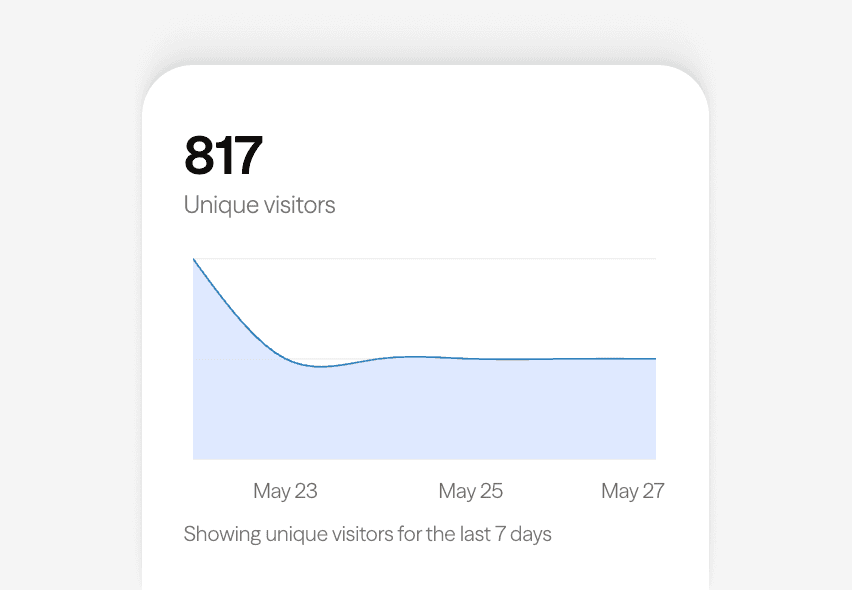
Built-in analytics on every page
04
Using your Linky page for job seeking and networking
For developers who are actively job hunting or open to opportunities, the Linky page can be more effective than a LinkedIn profile for technical first impressions. The GitHub Commits This Month block shows hiring managers real work at a glance, before they have read a single line of your CV. Use a Link Box to link directly to your portfolio or the most relevant open-source repository for the role you are targeting. If you have written about a technical topic that is relevant to your target companies, a Link Box to that blog post adds depth. Update the Content block to mention the types of roles or problems you are interested in so that the page pre-qualifies inbound enquiries.
05
Choosing a theme for a developer page
Midnight - pure black - is the canonical choice for developer pages: it carries the dark-mode aesthetic that most developers live in and makes GitHub contribution-style blocks and code-adjacent content feel native. It also reads as confident and minimal, which suits the typically understated personal branding most developers prefer. If you want something lighter, Classic works for developers who prefer a clean, document-like aesthetic - common in the technical writing and open-source documentation communities. Avoid highly stylised or colourful themes unless they reflect a genuine personal brand; in the developer world, clarity and credibility matter more than visual personality.



Bring all your socials together
Next
Recommended for you

Frequently asked questions
Everything you need to know to get started.
Free forever
Your page is one username away
Claim your link in bio and have it live in minutes - free, no credit card.
No credit card · Connect a custom domain anytime · Cancel whenever