Link in bio
The best link in bio for content creators
Linky brings every platform a content creator lives on into one page - live Instagram posts, live TikTok stats, links to brand deals, affiliate programmes, and newsletters - so their audience always has somewhere to go after the swipe-up.
Blocks
Blocks made for content creators
- Instagram latest post
Displays your most recent Instagram post, refreshed automatically.
- TikTok latest post
Displays your most recent TikTok video.
- Link
A prominent, tappable button linking anywhere you choose.
Why Linky
Why creators choose Linky
- Custom domains
- Connect your own domain on a paid plan to make your page feel truly yours.
- Beautiful themes
- Make it yours with custom colours, fonts, and a palette that matches your brand.
- Rich blocks
- Music, video, social feeds, and more - not just links. Your page stays fresh automatically.
- Analytics
- See views and clicks on your blocks and links with built-in analytics on Premium.
- Fast & simple
- Build your page in minutes with a drag-and-drop editor. No coding required.
- Verified pages
- Get a verified badge on your page to show your audience that it is the real you.
01
Why content creators outgrow a single bio link
Content creators post across Instagram, TikTok, YouTube Shorts, and Threads simultaneously, and every piece of content drives different audiences toward different things: a brand deal, an affiliate link, a course, a Patreon, or a new YouTube video. Swapping a single bio URL every time you publish is slow, error-prone, and trains your audience to stop clicking. A link-in-bio page solves the multi-platform problem by keeping every destination live at once, letting the audience self-route to whatever is most relevant to them right now.
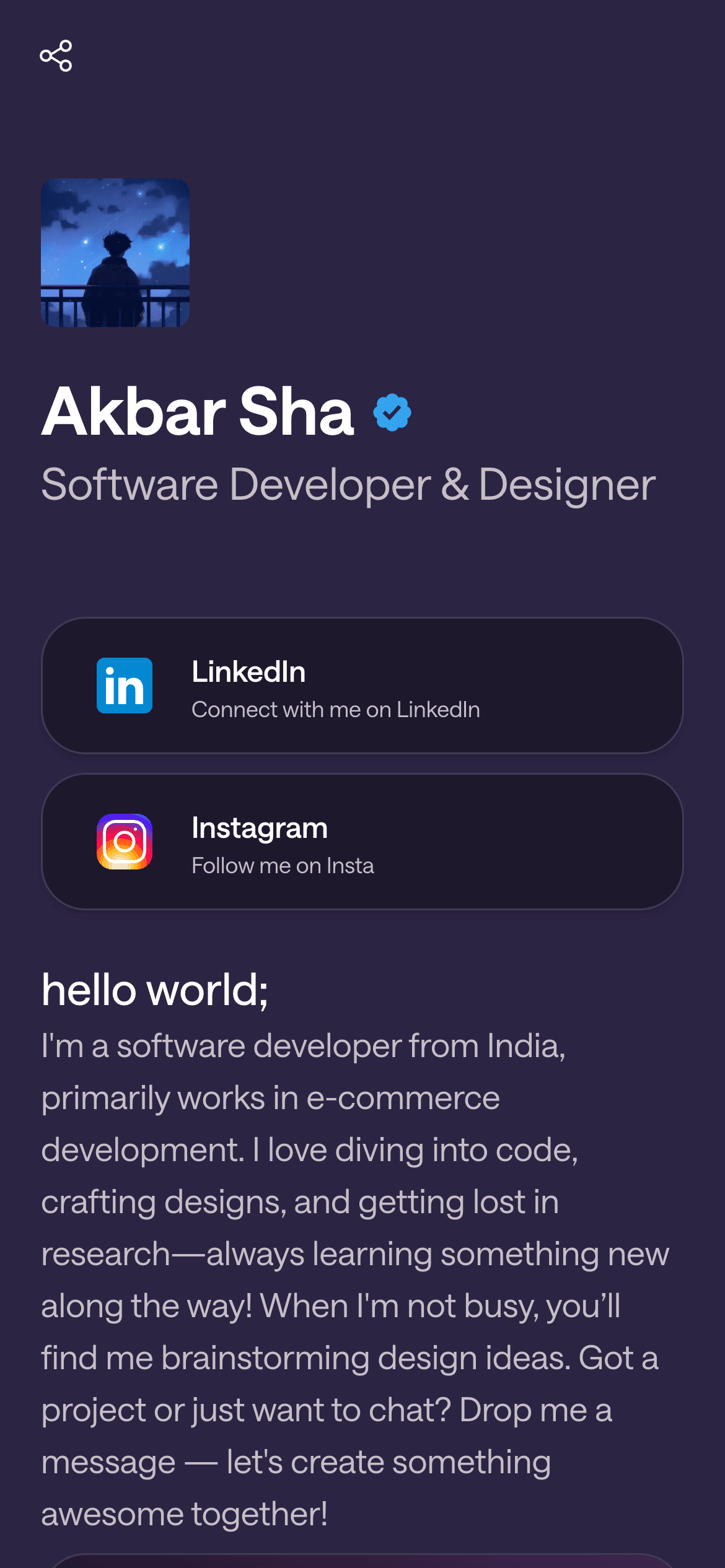
A real Linky page

Playing Now
ten
Fred again
Live blocks that refresh automatically
02
Linky blocks built for multi-platform creators
Content creators benefit more from live social blocks than almost any other niche. The Instagram Latest Post block and the TikTok Latest Post block each pull your most recent content from their respective platforms and keep it current automatically - so your Linky page reflects what you posted today without any manual update. Link Box blocks handle the commerce layer: affiliate links, brand deal landing pages, course enrolment, Patreon, and merchandise each get their own block with clear copy. If you are building an email list, a Waitlist Email block captures addresses directly on the page without sending people away.
03
A suggested page setup for content creators
Open with a Header block: your creator name, a one-line description of your content niche, and a strong profile photo. Below that, stack an Instagram Latest Post block and a TikTok Latest Post block side by side to show live content from both platforms at once. Then add your monetisation layer: a Link Box for your most-promoted affiliate link, another for your current brand deal or course, and one for your YouTube channel. If you run a newsletter, a Waitlist Email block below that captures subscribers without leaving the page. Keep the total block count focused - five to eight blocks is usually enough; more than that and click rates drop.
Your theme, your colours
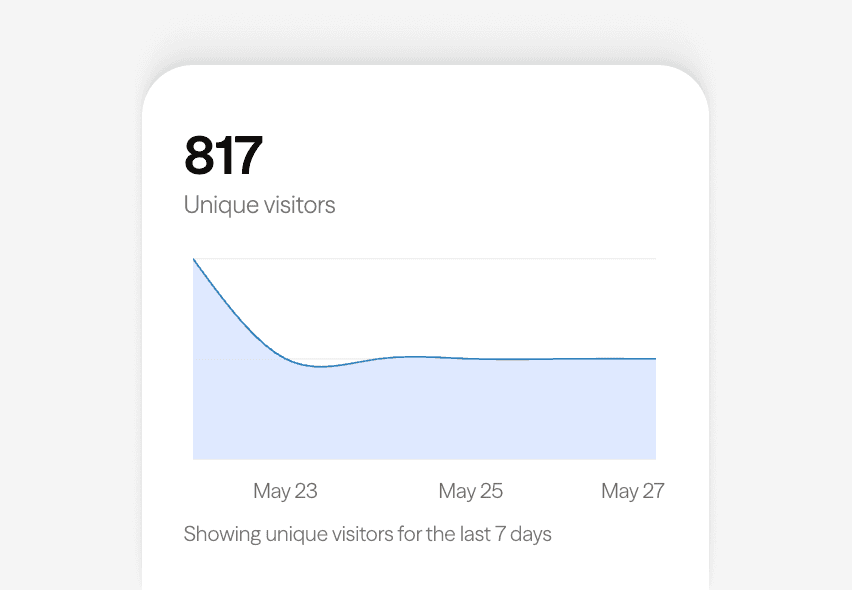
Built-in analytics on every page
04
Themes and branding for creators
Orange Punch is a strong choice for content creators whose personal brand is energetic, trend-forward, or lifestyle-focused - the warm orange primary colour reads as high-energy and modern. If your niche is tech, gaming, or finance, Midnight gives a clean, authoritative feel. Lilac works well for beauty, wellness, and fashion creators whose aesthetic is soft and aspirational. Whatever theme you pick, keep your profile photo and bio consistent with how you present on your primary platform - visitors should recognise you instantly when they tap the link in your bio.
05
Getting your creator page live and keeping it updated
Sign up free at lin.ky and claim your creator name as the username. Connect Instagram and TikTok from the Integrations tab to activate the live post blocks. For affiliate and brand deal links, use Link Box blocks and update the URL whenever a campaign changes - changes publish instantly, no re-publishing required. On paid plans you get detailed click analytics per block, which tells you which links are actually converting so you can move high-performing content to the top of the page. Check your analytics weekly and reorder blocks based on what your audience is clicking.



Bring all your socials together
Next
Recommended for you

Connect instagram to show live data on your Linky page.

Connect tiktok to show live data on your Linky page.
Orange Punch is a high-energy, multi-tonal template that pairs a deep navy background with vivid orange card surfaces, amber secondary accents, and mint-green text - an eye-catching combination built for creators who want maximum impact.
Frequently asked questions
Everything you need to know to get started.
Free forever
Your page is one username away
Claim your link in bio and have it live in minutes - free, no credit card.
No credit card · Connect a custom domain anytime · Cancel whenever