TikTok integration
Add TikTok to your link in bio
Connect TikTok to Linky to show your latest TikTok post and your up-to-date follower count on your link-in-bio page, giving followers a taste of your content wherever they find your link.

Integration
TikTok blocks
Follower Count
Shows your current TikTok follower count, refreshed about once a minute so visitors see an accurate audience size.
Latest Post
Displays your most recently published TikTok video, giving visitors a preview of your content before they decide to follow.
What you can show
Live TikTok content on your page
These blocks connect directly to TikTok and refresh automatically - your page always shows the latest.
- Follower Count
Shows your current TikTok follower count, refreshed about once a minute so visitors see an accurate audience size.
- Latest Post
Displays your most recently published TikTok video, giving visitors a preview of your content before they decide to follow.
Why Linky
Why creators choose Linky
- Custom domains
- Connect your own domain on a paid plan to make your page feel truly yours.
- Beautiful themes
- Make it yours with custom colours, fonts, and a palette that matches your brand.
- Rich blocks
- Music, video, social feeds, and more - not just links. Your page stays fresh automatically.
- Analytics
- See views and clicks on your blocks and links with built-in analytics on Premium.
- Fast & simple
- Build your page in minutes with a drag-and-drop editor. No coding required.
- Verified pages
- Get a verified badge on your page to show your audience that it is the real you.
Drag and drop
Build your page in minutes
Add any block from the editor, connect your accounts, and hit publish. Linky fetches the latest data from your integrations automatically so your page stays fresh without any manual work.
01
What your TikTok blocks show
Linky's TikTok integration offers two blocks. The Follower Count block surfaces your real audience size - a key credibility metric when you are pitching brand deals or driving sign-ups from other channels. The Latest Post block previews your most recent TikTok, putting your content front and centre for anyone who finds your link in bio from a bio link, QR code, or email signature.

Playing Now
ten
Fred again
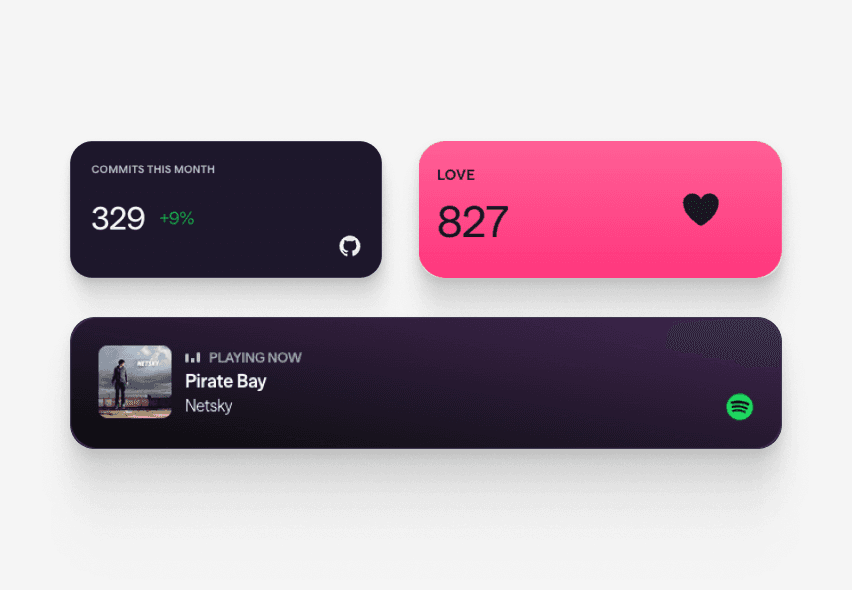
Live blocks that refresh automatically

A real Linky page
02
How to add TikTok to your Linky page
In the Linky editor, add either the "Follower Count" or "Latest Post" block from the TikTok section, then complete the OAuth flow to authorise Linky with your TikTok account. Linky only requests read access to your public profile and videos. Once connected, both blocks update automatically about once a minute - no manual updates needed. You can use one or both blocks on the same page.
03
Why TikTok creators rely on a strong link page
TikTok's algorithm regularly pushes content to new audiences who have never seen your profile before. When a viral moment drives a spike in profile visits, your link in bio is the only place those curious viewers can go deeper. A page that immediately shows your follower count and latest video gives that traffic a compelling reason to follow and explore - turning viral views into lasting growth on other platforms.
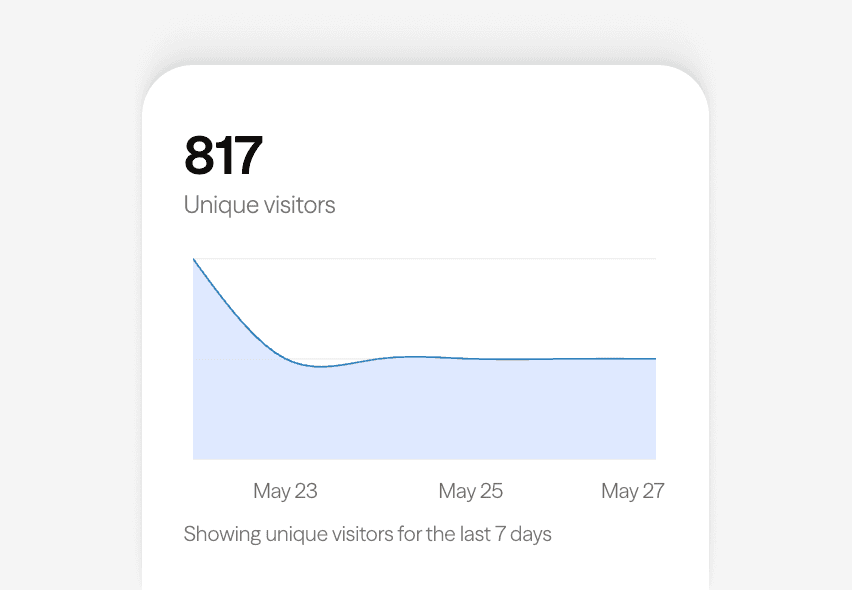
Built-in analytics on every page



Bring all your socials together
04
Round out your page with links and other content
Most TikTok creators pair their follower count with Link Box blocks pointing to their merch store, YouTube channel, or newsletter signup. Adding the Latest Post block above a row of destination links creates a natural journey: visitors see your content, build trust, and then convert. Choose a bold, high-contrast palette to match the energetic aesthetic TikTok audiences expect.
Frequently asked questions
Everything you need to know to get started.
Free forever
Your page is one username away
Claim your link in bio and have it live in minutes - free, no credit card.
No credit card · Connect a custom domain anytime · Cancel whenever