Blog7 min read
Link-in-bio page setup checklist for creators
A checklist for setting up a link-in-bio page, from the first link to the analytics worth watching.
Jack
A link-in-bio page is a central hub where your audience can find your content, products or services from any platform. Done well, it brings in more traffic and engagement and keeps your branding consistent.
What to include
- Links to your social profiles, product pages, calls to action and payment options.
- A mobile-friendly setup that's easy to navigate, loads fast and looks clear on a phone.
- Analytics that track clicks, traffic sources and user behavior so you can improve the page.
- Your brand's colors, fonts and visuals, so the page looks like the rest of your work.
Best platforms
| Platform | Key Features | Best For | Starting Price |
|---|---|---|---|
| Linky | Drag-and-drop builder, custom domains | Real-time updates | Free (2 pages) |
| Linktree | Simple interface, basic analytics | Beginners | Free |
| Later | Advanced analytics, social integrations | Social media managers | Free w/ upgrades |
Steps to create your page
- Choose a platform and set up your account.
- Add good-quality visuals, a bio and your most important links.
- Optimize for mobile with large buttons, readable text and fast-loading images.
- Use analytics to track performance and refine your content.
Advanced features to consider
- Custom domains, so you can use a branded URL.
- Team collaboration, so more than one person can manage updates.
- Security: turn on HTTPS and protect user data.
A good link-in-bio page can increase engagement by up to 25%. Keep it simple and easy to use, and update it regularly.
Best link-in-bio platforms compared: alternatives to Linktree
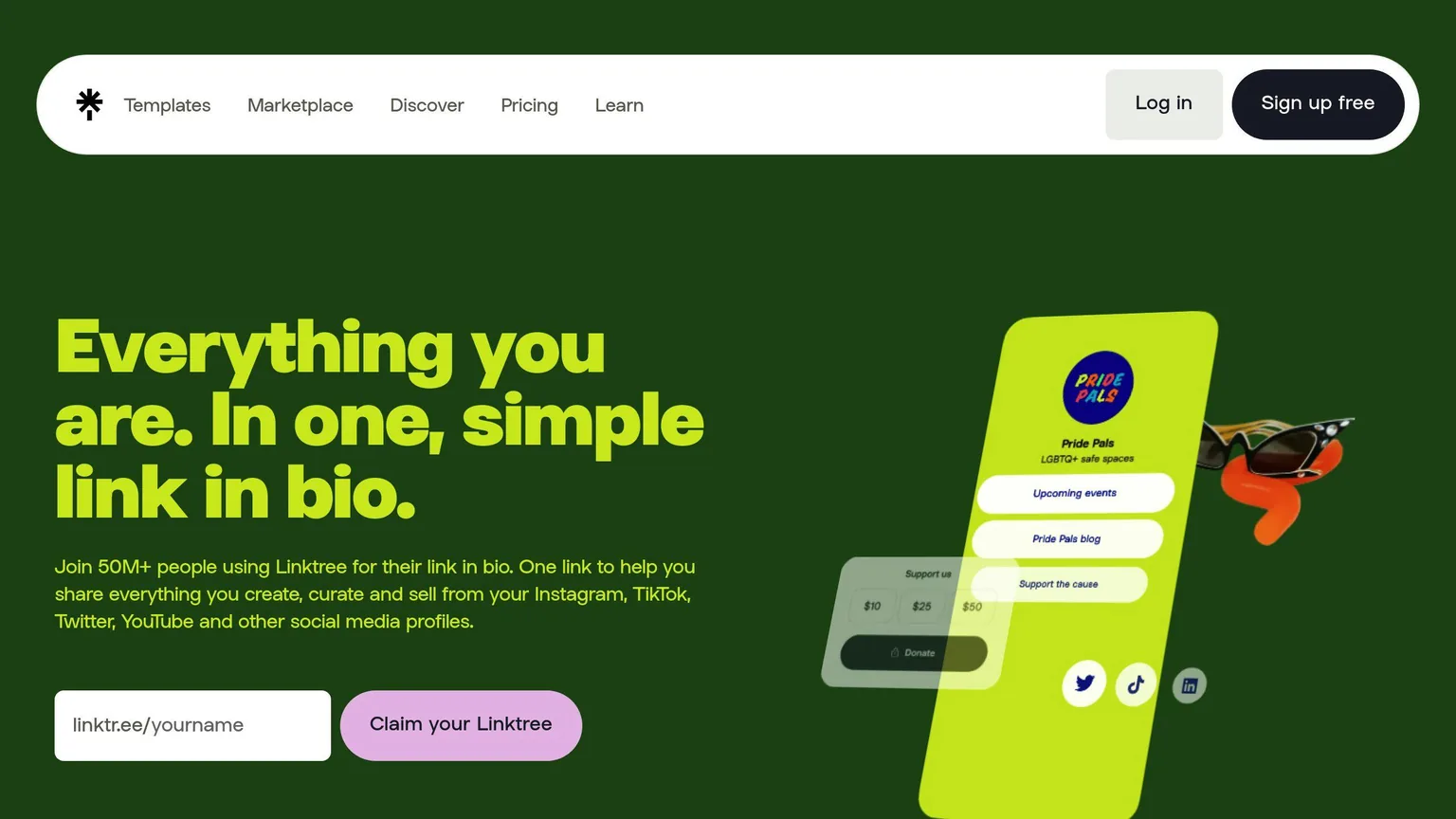
Selecting a link-in-bio platform
| Platform | Key Features | Best For | Starting Price |
|---|---|---|---|
| Linky | Drag-and-drop builder, dynamic updates, custom domains | Creators needing real-time updates | Free (2 pages) |
| Linktree | Simple interface, basic analytics | Beginners looking for simplicity | Free |
| Later | Advanced analytics, social media integration | Social media managers | Free with paid upgrades |
Features to look for
When you compare platforms, check for:
- Analytics and tracking. Click tracking and performance metrics show you what's working.
- Customization. Theme options, custom domains and flexible layouts keep your branding consistent.
- Integrations with tools you already use, such as Google Analytics or Facebook Pixel.
Together these give you a polished page that matches your brand and a way to measure how well it's doing.
Why choose Linky
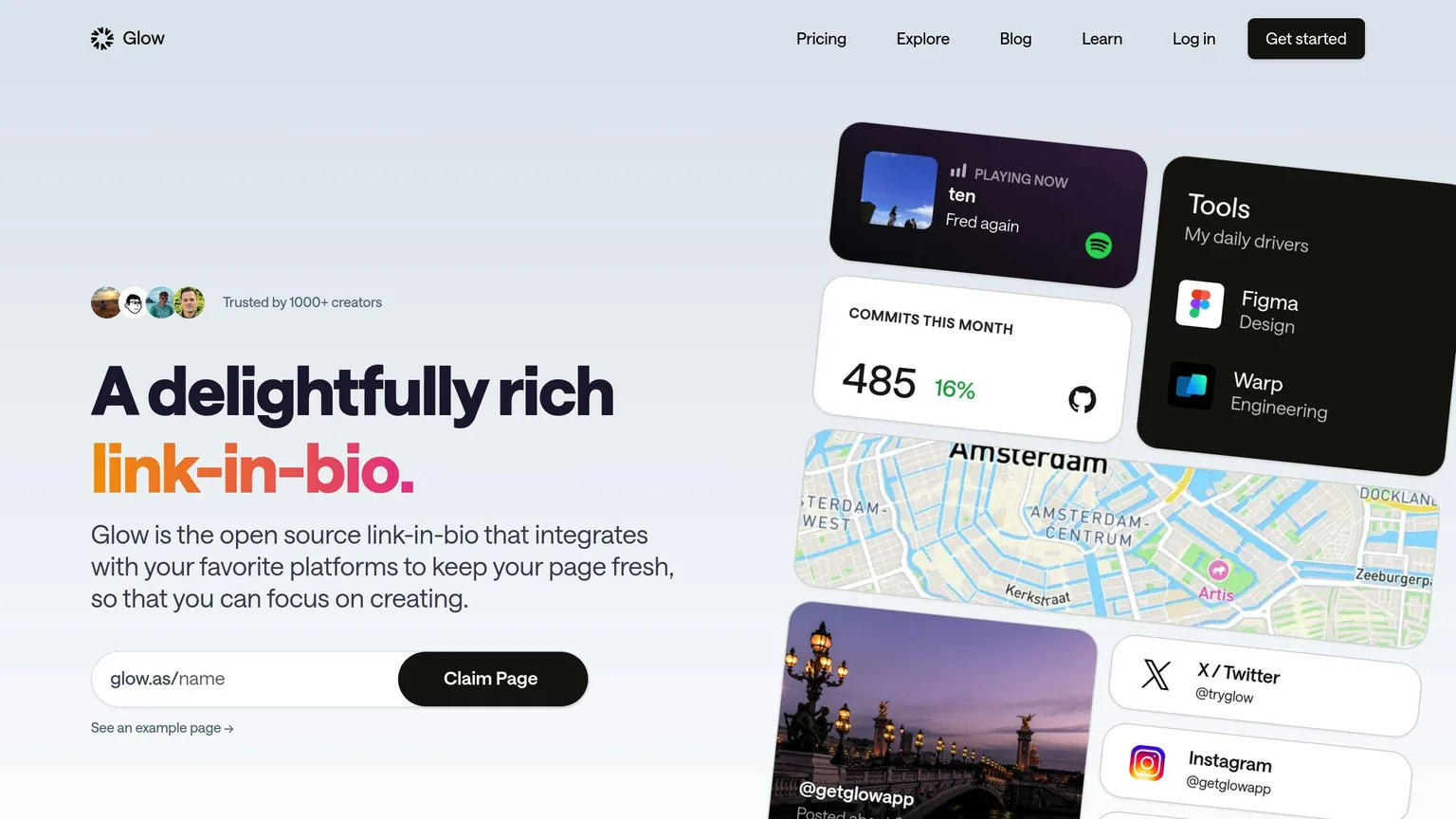
Linky suits creators who want professional tools and flexibility:
- Dynamic updates, with pricing that scales with your needs: free for 2 pages, or $4/month for advanced features.
- A drag-and-drop editor that's easy to use even if you're a beginner.
- A Team Plan ($10/month) that lets up to 5 team members manage updates while keeping the branding consistent.
- Custom domain support, so your brand stays front and center.
Once you've picked a platform, you can start building a page for your audience.
Creating a link-in-bio page
Understanding your audience
Start by looking at how your audience behaves: how they engage with your content, when they're most active on social media, and what they often ask you for. That tells you which links to feature, like popular product pages or posts people keep referring to.
Things worth tracking:
- When your audience is most active on social media
- Common questions or requests
- How they interact with your posts (likes, shares, comments, etc.)
- Recurring challenges or needs they mention
With that picture in mind, design a page around their needs and put the links they'll find most useful up front.
Key page components
Use what you've learned to include these elements:
| Component | Purpose | Best Practice |
|---|---|---|
| Profile Banner & Bio | Introduces your brand and builds recognition | Use a high-quality image that matches your social media branding |
| Primary CTA | Drives your main goal (e.g., sales, sign-ups) | Place it prominently at the top of the page |
| Social Icons | Makes it easy to connect on other platforms | Only include links to profiles you actively use |
| Analytics Integration | Tracks how well your links perform | Add UTM tags to measure clicks and engagement |
Keeping your branding consistent
A consistent look builds trust and makes your brand recognizable, so your link-in-bio page should match the rest of your branding.
- Use your brand's colors and fonts so the page looks the same as your other platforms.
- Make sure logos, images and icons follow your brand guidelines.
Customizing and improving your link-in-bio page
Customizing design and layout
Use drag-and-drop tools to build a layout that puts the important actions first. Where you place things changes how people use the page:
| Element | Placement | Purpose |
|---|---|---|
| Featured Banner | Top of page | Build instant brand recognition |
| Primary CTA | Above the fold | Focus on driving your main goal |
| Content Categories | Middle section | Group links by theme for clarity |
| Social Icons | Bottom or sidebar | Encourage cross-platform visits |
Once the layout is in place, check your analytics to see what's working and adjust.
Using analytics to improve engagement
Analytics show how your audience actually uses your page. Watch these metrics:
| Metric | What to Track | Action Items |
|---|---|---|
| Click-through Rate | Performance of each link | Swap out underperforming links |
| Traffic Sources | Where users are coming from | Focus efforts on high-performing channels |
| Peak Activity Times | When users are most active | Update links during these periods |
| Conversion Goals | Sales, sign-ups, etc. | Adjust placement of revenue-driving links |
"Link-in-bio analytics can help you understand how users interact with the links in your social media bios." - Creator Blog, Direct.me [1]
Advanced features to consider
A few extras are worth adding once the basics are done.
Custom domains replace the generic URL with a domain that reflects your brand.
Team collaboration lets your team manage and update content together. Platforms like Later offer shared access and tools for keeping branding consistent [2].
For mobile:
- Make buttons easy to tap
- Keep text clear and readable
- Improve loading speed
- Use good-quality images
Step-by-step guide to setting up your page
Creating your first page
Once you've chosen a platform and know who your audience is, start with the basics:
| Setup Phase | Key Actions | Purpose |
|---|---|---|
| Account Creation | Pick a platform, verify your email, set a password | Secure your account |
| Profile & Layout | Add a photo, bio, username, theme, and colors | Create a consistent and recognizable look |
| Content Addition | Link social accounts, feature key content | Boost interaction and engagement |
A drag-and-drop builder lets you make a polished page without technical skills. After setup, make sure the page works well on mobile.
Optimizing for mobile users
Most social media traffic comes from mobile devices, so design for phones first:
- Use large buttons (44x44px) so they're easy to tap.
- Leave 16-20px between elements to avoid accidental taps.
- Compress images so they load faster.
- Use fonts of at least 16px so text is easy to read.
According to Later, mobile-friendly pages can increase engagement by up to 25% [1]. A page that works well on mobile is easier to use, and it's a good base for the security and privacy steps below.
Security and privacy
To protect your visitors and your brand:
- Enable HTTPS. Turn on SSL certificates to encrypt data and secure connections.
- Do manual security checks.
- Check your links weekly for suspicious activity or errors.
- Review permissions and access settings monthly to prevent unauthorized changes.
- Protect user data.
- Adjust privacy settings to collect as little data as possible.
- Use anonymized IP addresses.
- Set clear data retention limits.
- Include a clear privacy notice.
"Link-in-bio analytics can help you understand how users interact with the links in your social media bios while maintaining user privacy through proper security measures." - Creator Blog, Direct.me [1]
Conclusion: key points for creators
Updating your link-in-bio page can lead to a 25% boost in engagement rates [1]. To get there, combine what your data tells you with mobile-friendly design and consistent branding.
| Key Focus Area | Actionable Tips | Benefits |
|---|---|---|
| Performance Tracking | Use metrics to refine content placement | Better engagement and results |
| Mobile-Friendly | Ensure responsive design | Smoother user experience |
| Consistent Branding | Align visuals and messaging | Stronger brand recognition |
| Security Measures | Use HTTPS and privacy safeguards | Builds user trust |
Keep checking how your audience behaves and how the page performs, and:
- Update content based on what the numbers show.
- Keep visuals and messaging consistent across platforms.
- Adjust as your audience's preferences change.
- Use tools that make the page easier to use.