Blog4 min read
10 common link-in-bio mistakes and how to fix them
Common mistakes that cost link-in-bio pages clicks and conversions, and how to fix each one.
Jack
Your link-in-bio page is often the first thing visitors interact with, so small mistakes can cost you engagement and conversions. Here are 10 common ones and how to fix them:
- Broken links: check and update your URLs regularly.
- Overcrowded layouts: stick to 5-7 essential links.
- Vague CTAs: use specific, action-oriented phrases like "Download Your Free Guide."
- Inconsistent branding: match colors, fonts and tone to your website.
- Outdated content: audit your links regularly and remove ones that are no longer relevant.
- Poor mobile experience: design for small screens and fast loading.
- Too many options: put your most important links at the top of the page.
- No tracking: use analytics tools to see how your page performs.
- Lack of customization: skip the generic template and use branded visuals.
- Ignoring tools: platforms like Linky can help with tracking, branding and mobile optimization.
Fixing these will help your page perform better, keep visitors around longer and make your brand look more put together.
10 common link-in-bio mistakes and solutions
1. Broken links
Broken links frustrate visitors and make you look careless. Check your URLs regularly with a link management tool, and consider using a link shortener so links are easier to track and update.
2. Overcrowded layouts
A page stuffed with links confuses people. Stick to the '5-7 links' guideline [1] to keep your page clean and focused.
3. Vague CTAs
Generic calls to action like "Click Here" or "Learn More" don't give anyone a reason to tap. Be specific about the benefit, for example "Download Your Free Social Media Calendar" or "Shop Our Winter Collection 2025."
4. Inconsistent branding
Your link-in-bio page should feel like part of your brand. Here's how to line it up:
| Branding Element | How to Implement It |
|---|---|
| Visual Identity | Match colors and fonts to your website |
| Custom Domain | Use branded URLs instead of generic ones |
| Logo Placement | Display your logo prominently at the top |
| Content Style | Keep your tone and messaging consistent |
5. Outdated content
Old links and stale content make a page look abandoned. Set a regular time to remove expired links and update key information, and use your analytics to spot low-performing links that might need a refresh. Keeping the page working well on mobile matters just as much as keeping it current.
6. Poor mobile experience
Most people open links on their phones, so your page has to work well on small screens. Test it on a few different devices, compress images so the page loads quickly, and make buttons big enough to tap easily.
7. Too many options
Too many choices overwhelm people. Focus on your most important links and put them at the top of the page, where studies show 25% of clicks happen [1]. Once you've trimmed your links, use tracking to measure how they perform and adjust from there.
8. No tracking
Without tracking, you're guessing. Tools like Google Analytics show you click-through rates, how people behave on the page and engagement patterns, which helps you improve the page over time.
9. Lack of customization
A generic template won't make your page stand out. Customize it with branded visuals, your own layout, and interactive features like clickable images or embedded videos [1].
Using linky for link-in-bio optimization
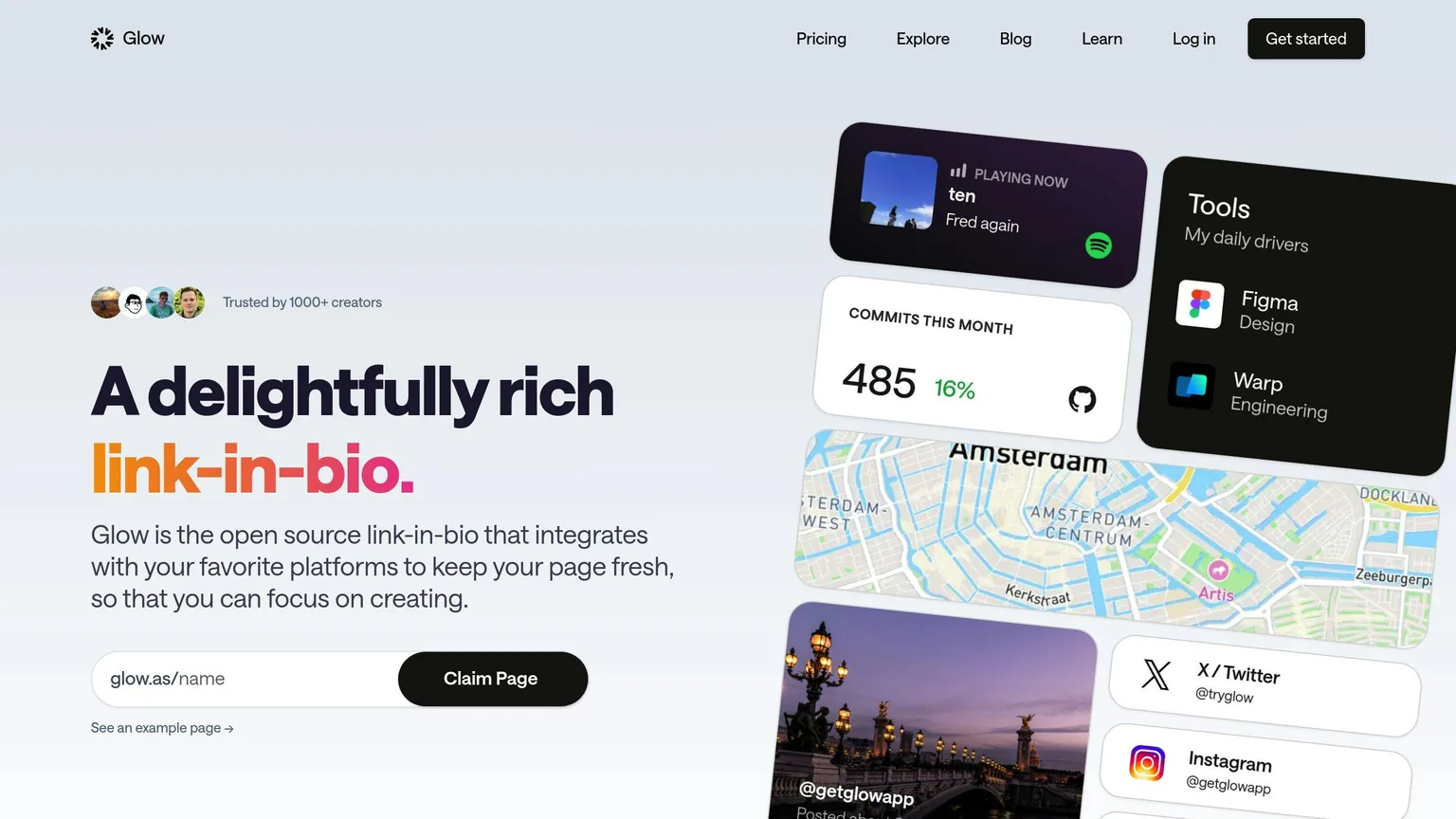
Here's how Linky helps you avoid the mistakes above.
Linky's key features
| Feature | How It Helps You |
|---|---|
| Dynamic Updates | Keeps your links fresh by monitoring for outdated content or broken links in real time. |
| Mobile Optimization | Ensures your page looks great and works smoothly on any device. |
| Custom Branding | Lets you match your page to your brand with customizable themes and visuals. |
| Analytics Integration | Tracks clicks and engagement so you can improve underperforming links. |
Linky's pricing
| Plan | What You Get |
|---|---|
| Free | $0 - Includes 2 pages, 5 blocks per page, and basic themes. |
| Premium | $4/month - Unlimited blocks and pages, custom domains, and a verification badge. |
| Team | $10/month - Includes Google Analytics integration and all unlimited features. |
Why choose Linky
Linky is built to deal with these link-in-bio problems in a simple, easy-to-use way. The verification badge adds credibility to your page, and integrations like Google Analytics and Facebook Pixel mean you can base decisions on real data.
Linky also skips the pile of extra features some platforms have and sticks to what matters. It's open source, so you can see how it works, and it's improved regularly based on user feedback.
Conclusion
Check your links routinely, keep the layout simple, and use clear calls to action, and visitors will find it easy to do what you want them to do.
Major League Soccer is a good example: it uses just four links, which keeps things simple and shows that fewer links can mean more engagement [1]. Clear calls to action, consistent branding and a mobile-friendly design will do the same for your page.
Linky adds real-time monitoring, mobile-friendly designs and analytics on top, so your page stays in good shape on any device and you have the data to decide what to change.
Your link-in-bio page is often the first thing people see, so fix the common mistakes and keep it clean and easy to act on.