Threads integration
Add Threads to your link in bio
Connect your Threads account to Linky to display your up-to-date follower count on your link-in-bio page, giving visitors an accurate measure of your Threads audience.

Integration
Threads blocks
Follower Count
Displays your current Threads follower count, automatically refreshed about once a minute so visitors see an accurate audience size.
What you can show
Live Threads content on your page
These blocks connect directly to Threads and refresh automatically - your page always shows the latest.
- Follower Count
Displays your current Threads follower count, automatically refreshed about once a minute so visitors see an accurate audience size.
Why Linky
Why creators choose Linky
- Custom domains
- Connect your own domain on a paid plan to make your page feel truly yours.
- Beautiful themes
- Make it yours with custom colours, fonts, and a palette that matches your brand.
- Rich blocks
- Music, video, social feeds, and more - not just links. Your page stays fresh automatically.
- Analytics
- See views and clicks on your blocks and links with built-in analytics on Premium.
- Fast & simple
- Build your page in minutes with a drag-and-drop editor. No coding required.
- Verified pages
- Get a verified badge on your page to show your audience that it is the real you.
Drag and drop
Build your page in minutes
Add any block from the editor, connect your accounts, and hit publish. Linky fetches the latest data from your integrations automatically so your page stays fresh without any manual work.
01
What your Threads block shows
Linky's Threads integration currently offers a Follower Count block that pulls your audience size from the Threads API, refreshing about once a minute. As Threads continues to grow and expand its developer platform, this is a straightforward way to signal your presence on the platform to visitors who may not yet know you are there.

Playing Now
ten
Fred again
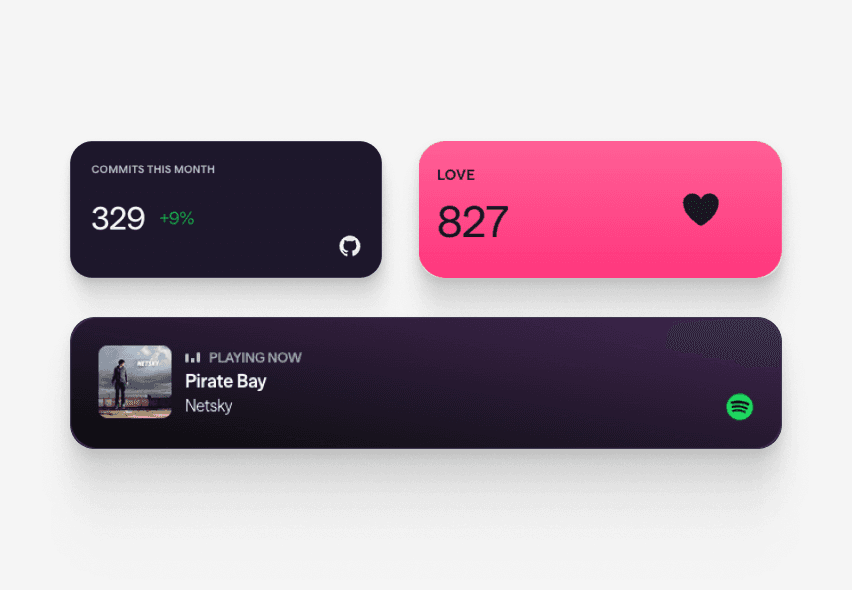
Live blocks that refresh automatically

A real Linky page
02
How to add your Threads follower count to Linky
In the Linky editor, add the "Follower Count" block from the Threads section. You will be walked through an OAuth authorisation flow where you grant Linky read-only access to your Threads profile. Once connected, your follower count appears on your page and updates automatically about once a minute - no manual updates required.
03
Why showing your Threads audience matters
Threads is where many creators and journalists are building an audience distinct from Instagram or Twitter. If you have cultivated a following there, surfacing that number on your link page is an easy way to cross-promote the community and encourage visitors from other channels to find and follow you. Social proof numbers, even on newer platforms, consistently improve click-through to profile links.
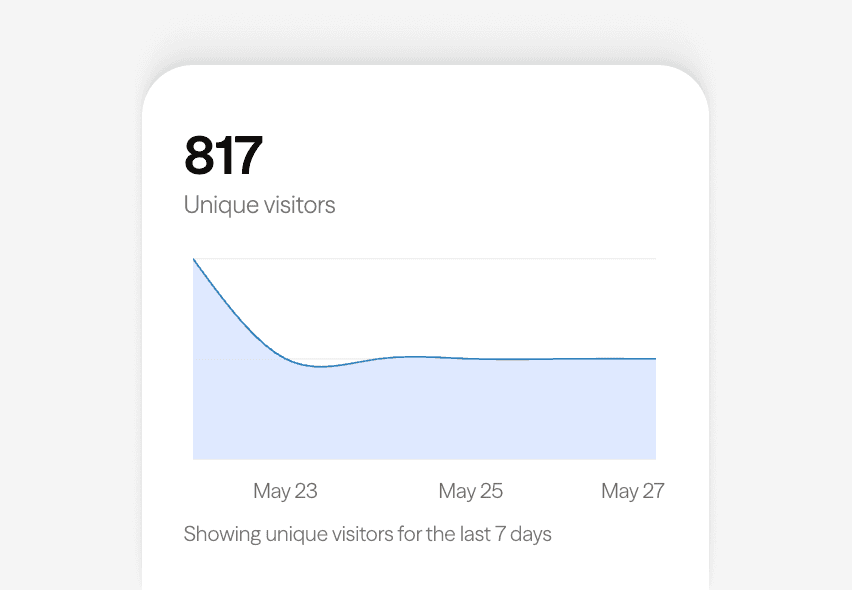
Built-in analytics on every page



Bring all your socials together
04
Combine with a link to your Threads profile
The Follower Count block works best alongside a Link Box that sends visitors directly to your Threads profile. Place the count next to a short call to action - "Join the conversation on Threads" - and you have a compact, high-converting placement. You can also combine it with your Instagram blocks if you want to show your broader Meta ecosystem reach in one place.
Frequently asked questions
Everything you need to know to get started.
Free forever
Your page is one username away
Claim your link in bio and have it live in minutes - free, no credit card.
No credit card · Connect a custom domain anytime · Cancel whenever