Link in bio
The best link in bio for podcasters
Linky gives podcasters one central page to route listeners to every podcast directory, embed episode videos from YouTube, and share show notes or newsletter sign-ups - so a single bio link covers the entire listener journey.
Blocks
Blocks made for podcasters
- Link
A prominent, tappable button linking anywhere you choose.
- YouTube
Embed a YouTube video to play right on your page.
- Text
A rich-text block for a bio, intro, or announcement.
Why Linky
Why creators choose Linky
- Custom domains
- Connect your own domain on a paid plan to make your page feel truly yours.
- Beautiful themes
- Make it yours with custom colours, fonts, and a palette that matches your brand.
- Rich blocks
- Music, video, social feeds, and more - not just links. Your page stays fresh automatically.
- Analytics
- See views and clicks on your blocks and links with built-in analytics on Premium.
- Fast & simple
- Build your page in minutes with a drag-and-drop editor. No coding required.
- Verified pages
- Get a verified badge on your page to show your audience that it is the real you.
01
Why podcasters struggle with a single bio link
Podcast directories are as fragmented as music streaming: Spotify, Apple Podcasts, Google Podcasts, Amazon Music, Overcast, Pocket Casts, and more. If you paste a Spotify episode link in your Instagram bio, you cut off every listener who uses Apple Podcasts. A link-in-bio page solves this by offering a platform-choice menu, so no listener gets left out. Beyond directories, podcasters also need somewhere to send people for episode transcripts, guest bios, show notes, merch, and their newsletter - none of which fit in a single URL.
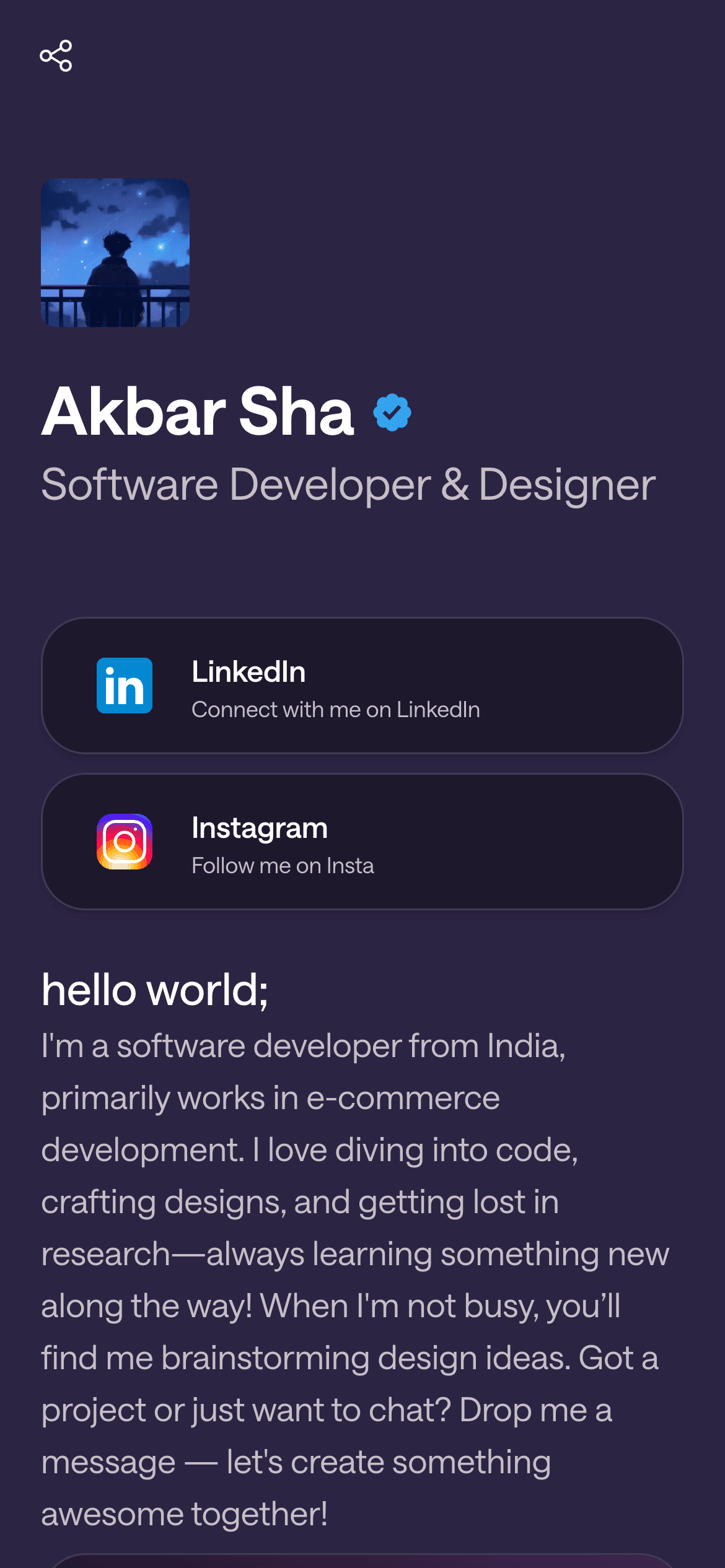
A real Linky page

Playing Now
ten
Fred again
Live blocks that refresh automatically
02
Linky blocks that work hardest for podcasters
The Link Box block is the core tool: add one per directory so listeners can tap straight to their preferred app. The YouTube block is powerful if you record video versions of your episodes - embed the latest episode directly on the page so visitors can watch without leaving. The Content block (a freeform text or rich-text area) is ideal for episode show notes, a guest bio, or a short explainer of what the show is about. Combine those three and you have a listening hub, a video preview, and editorial context all in one scroll.
03
A suggested page setup for podcasters
Open with a Header block: show name, tagline, and your podcast artwork as the profile image. If you have a video episode, put a YouTube block next - it is the strongest visual hook and pre-qualifies listeners before they commit to an audio feed. Below that, stack Link Box blocks labelled by platform: 'Listen on Spotify', 'Listen on Apple Podcasts', 'Listen on Amazon Music'. Add a Content block for a short paragraph describing the show, the audience it is for, and your publishing schedule. Close with a Link Box pointing to your newsletter or community if you have one.
Your theme, your colours
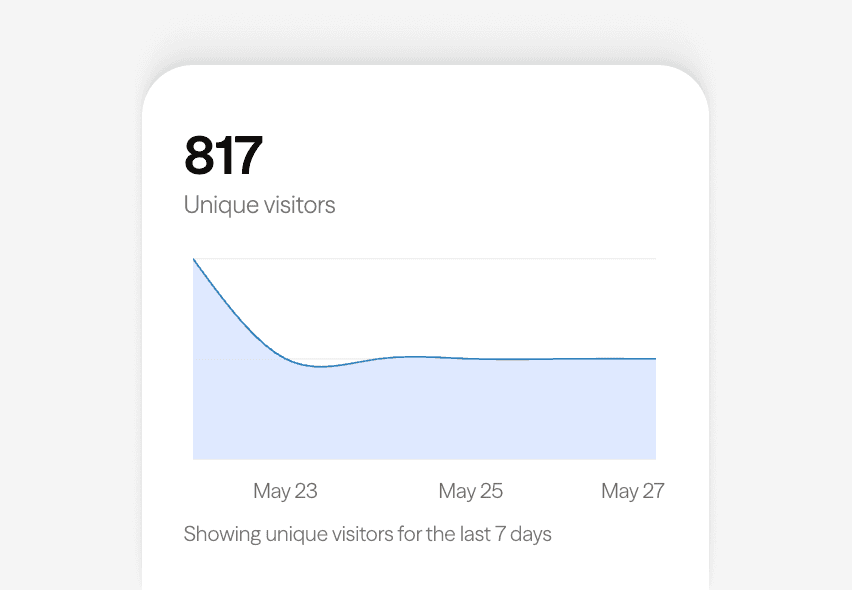
Built-in analytics on every page
04
Themes and branding for podcast shows
Violet is a strong default for podcasters because the deep purple background reads as premium and slightly editorial - it suits interview shows, true crime, and business podcasts equally well. Midnight works for shows with a darker or more intense subject matter, and its pure-black canvas makes podcast artwork thumbnails stand out. If your show has a lighter, more conversational tone - comedy, lifestyle, or parenting - Classic or Lilac give a warmer, more accessible feel. Choose based on your show's tone, not just what looks nice in preview.
05
Getting your podcast page live
Sign up for a free Linky account and use your show name as the username. Upload your podcast cover art as the profile image - it is already the right square format. Add Link Box blocks for every directory where your show is listed; copy the direct show URL from each platform (not a single episode link) so the page stays evergreen as you release new episodes. Add a YouTube embed if you have a video feed. Write a Content block with two or three sentences about who the show is for and what they will learn or experience. Preview on mobile - most podcast listeners are on phones - then publish.



Bring all your socials together
Frequently asked questions
Everything you need to know to get started.
Free forever
Your page is one username away
Claim your link in bio and have it live in minutes - free, no credit card.
No credit card · Connect a custom domain anytime · Cancel whenever