Link in bio
The best link in bio for personal trainers
Linky gives personal trainers a focused link page that routes followers to session bookings, online programme sales, and email list sign-ups - so every post drives real business rather than just likes.
Blocks
Blocks made for personal trainers
- Link
A prominent, tappable button linking anywhere you choose.
- Email signup
Collect email addresses with a built-in signup form.
- Image
Showcase a photo, cover art, logo, or product shot.
Why Linky
Why creators choose Linky
- Custom domains
- Connect your own domain on a paid plan to make your page feel truly yours.
- Beautiful themes
- Make it yours with custom colours, fonts, and a palette that matches your brand.
- Rich blocks
- Music, video, social feeds, and more - not just links. Your page stays fresh automatically.
- Analytics
- See views and clicks on your blocks and links with built-in analytics on Premium.
- Fast & simple
- Build your page in minutes with a drag-and-drop editor. No coding required.
- Verified pages
- Get a verified badge on your page to show your audience that it is the real you.
01
Why personal trainers need a focused link in bio
A personal trainer's social media posts do two things at once: they build credibility by showing knowledge and results, and they generate enquiries for sessions or programmes. The gap between a compelling post and a booked session is often just friction - a follower sees your content, wants to work with you, taps your bio, and then has to navigate a generic website to find a way to contact you. A link-in-bio page removes that friction by putting your booking link, your programme page, and your email sign-up on a single, fast-loading page that gets out of the way and lets the follower act.
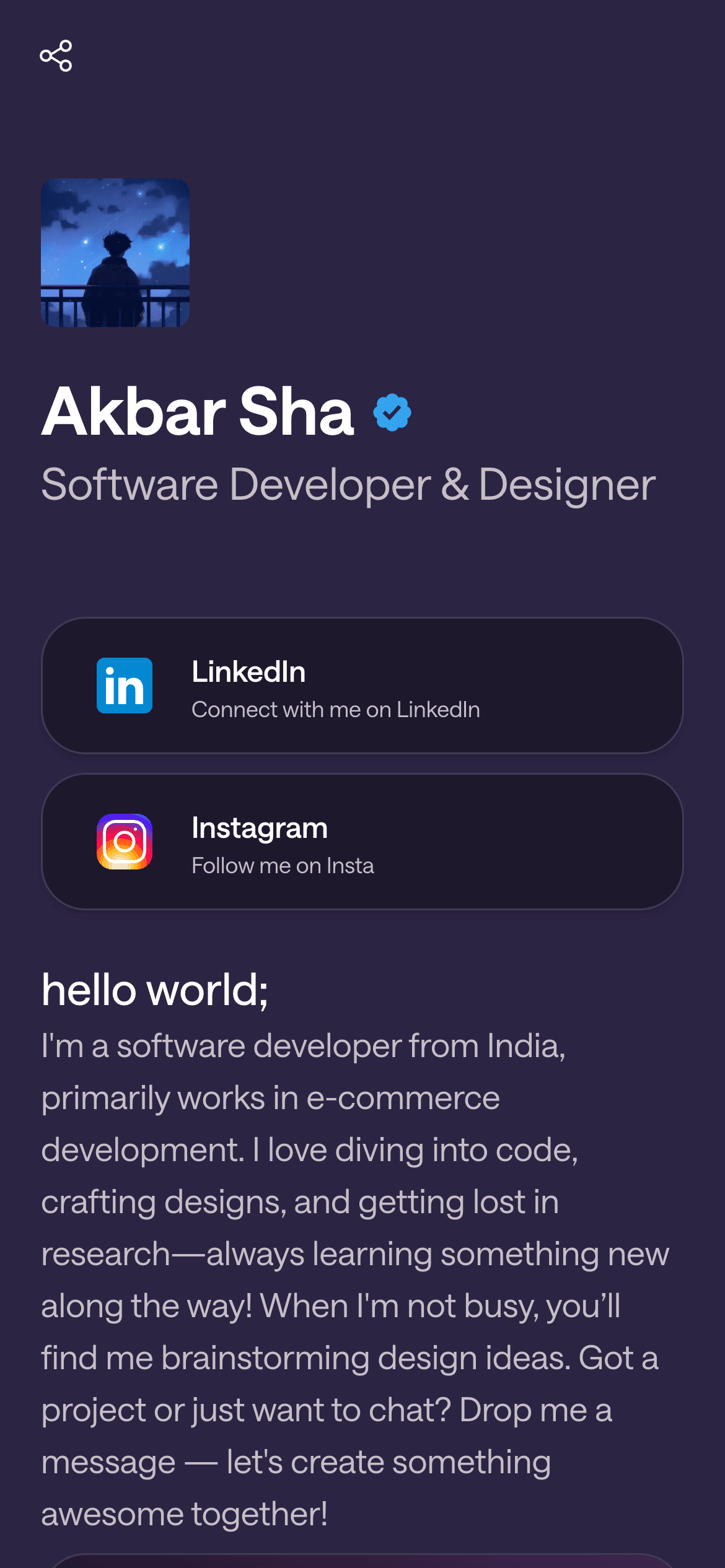
A real Linky page

Playing Now
ten
Fred again
Live blocks that refresh automatically
02
Linky blocks built for fitness professionals
The Link Box block is the core tool for trainers: use one for your session booking link (Calendly, Acuity, or your own booking page), one for your online programme or app (Trainerize, TrueCoach, My PT Hub, or a Gumroad product page), and one for a results or testimonials page if you have one. The Waitlist Email block is especially powerful for trainers who run cohort-based programmes or periodically open slots: add it to the page during a launch window to capture interest without committing to a booking flow, then swap it out once the cohort is full. An Image block featuring a client result or an action shot of your training environment gives the page credibility before a visitor reads a single word.
03
A suggested page setup for personal trainers
Open with a Header block: your name, your speciality ('Online strength coach for busy professionals'), and a strong headshot or action photo. Below that, add an Image block - either a compelling before-and-after (with client permission) or a high-energy training shot that communicates the quality of your coaching. Then your Link Box stack: 'Book a session', 'Join my online programme', and 'Read client results'. If you have a running intake for a group programme, add a Waitlist Email block below the main links to capture leads between cohorts. End with a Link Box to your most popular free resource - a meal plan, a starter workout, or a YouTube video - as a low-barrier entry point for followers who are not yet ready to buy.
Your theme, your colours
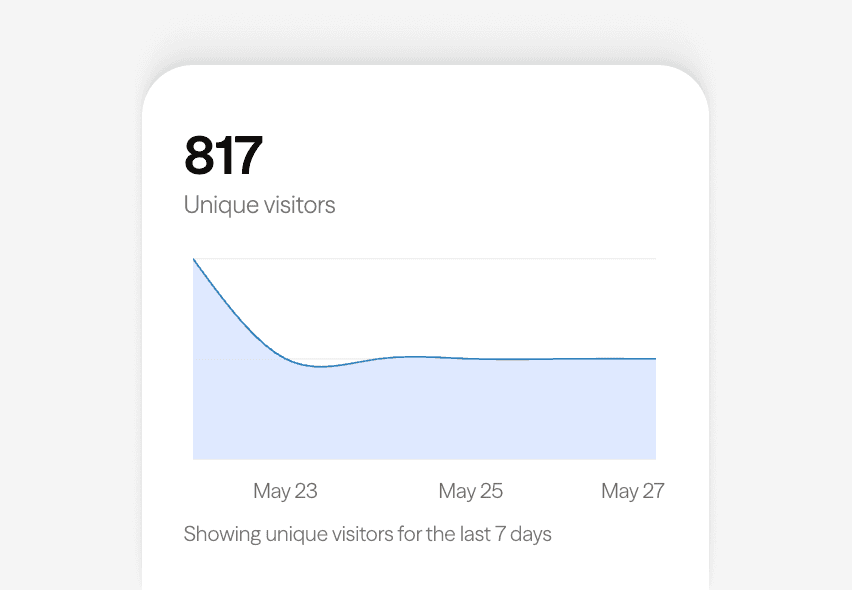
Built-in analytics on every page
04
Using your Linky page through a programme launch
Linky is particularly effective during launch windows. Before a cohort opens, run a Waitlist Email block prominently to build a list of interested leads. When the programme opens, replace the waitlist block with a Link Box pointing to the enrolment or checkout page. When the cohort fills, swap the block back to a waitlist or change the label to 'Join the waitlist for the next round'. Because changes publish instantly, you can manage this cycle in real time without any code changes. The same approach works for in-person workshops, retreats, or seasonal challenges.
05
Themes and professional presentation for trainers
Forest - deep greens and earthy tones - is a strong choice for trainers whose brand runs toward outdoor fitness, functional strength, or a holistic health philosophy. It communicates seriousness and groundedness without being cold. Orange Punch suits high-energy trainers whose brand is centred on intensity, sport performance, or group fitness. Midnight works for trainers who want to project a premium or exclusive feel - it is a common choice for online coaches in the corporate or executive wellness space. Whatever theme you choose, make sure your headshot and imagery are high quality; the page design amplifies first impressions, it does not fix poor photography.



Bring all your socials together
Frequently asked questions
Everything you need to know to get started.
Free forever
Your page is one username away
Claim your link in bio and have it live in minutes - free, no credit card.
No credit card · Connect a custom domain anytime · Cancel whenever