Blog8 min read
What to put in your nonprofit's link in bio for GivingTuesday
A GivingTuesday plan for a small nonprofit's bio link: which donate link goes first, what to offer people who can't give money, and what to change after.

Hana
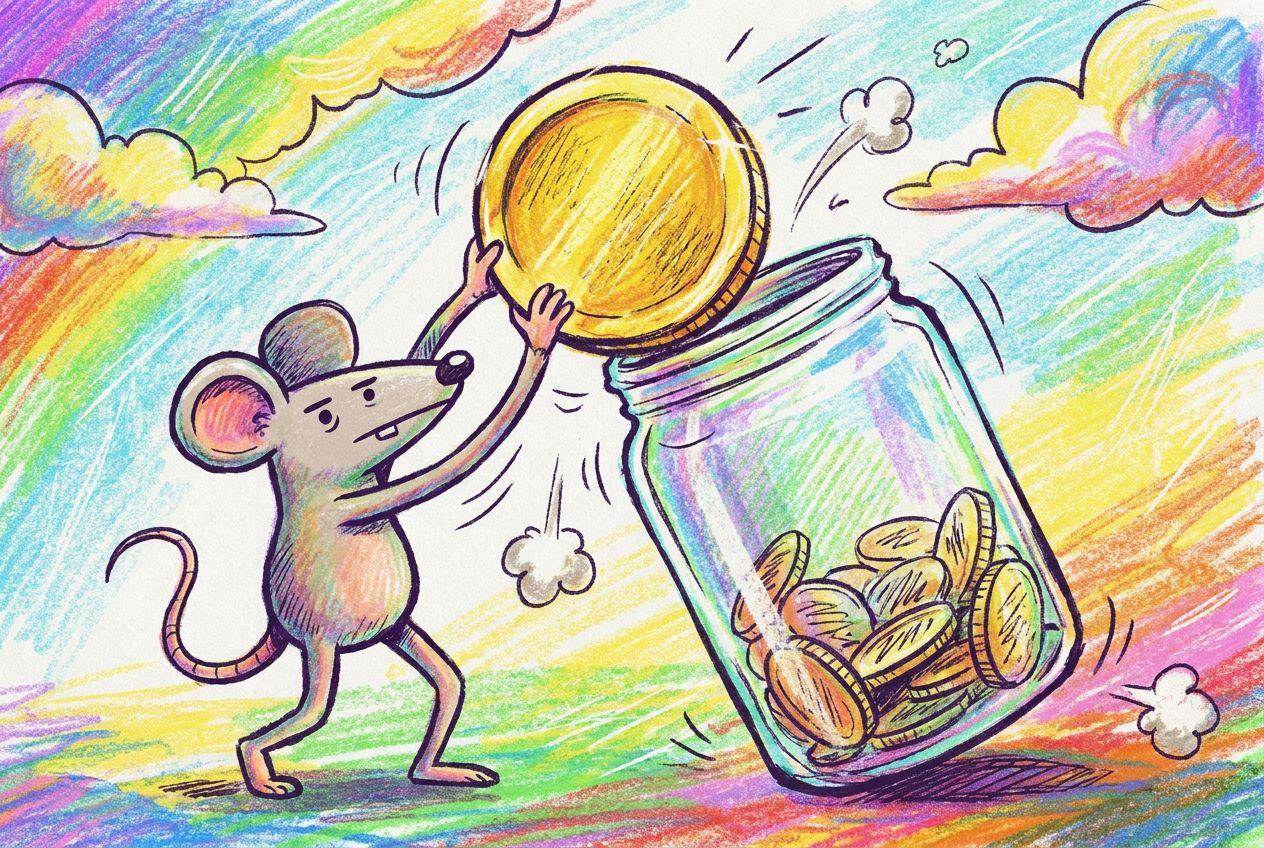
On Tuesday, December 1, someone will watch your reel about the winter coat drive, feel like helping, and tap the link in your bio. They are on a phone, probably between two other things, and they will give you about as long as it takes to find a donate button. If the first thing they see is a newsletter archive and last spring's gala photos, the moment passes.
GivingTuesday is the one day of the year when strangers arrive at your profile already willing to give. GivingTuesday's own 2025 results estimated that people in the US donated $4.0 billion on the day, up 13% on the year before, and that 38.1 million people took part in some way. This post covers what a small nonprofit should put on its bio page for that day, in what order, and what to swap once it is over.
Which link should come first?
The first link should go straight to the donation form for your GivingTuesday campaign. It should not go to your homepage or to a page that describes the campaign and has a second button underneath. Every extra tap loses people, and on this day you can't afford the loss.
The reason to be strict about it is that most of your social traffic arrives on a phone, and phones are where donations fall apart. The M+R Benchmarks study, which tracks nonprofit websites each year, found that mobile made up 52% of visits in 2025 but only 28% of donation revenue. Of the mobile visitors who reached a main donation page, 8% completed a gift, against 11% on desktop. The average mobile gift was $88, and the average desktop gift was $168.
You can't fix all of that from a bio page, but you can stop making it worse. Three things help:
- Label the button with the campaign and the ask. "Give to the winter coat drive" tells people where their money goes. "Donate" on its own is weaker, and "Learn more" is a way of not asking.
- Test the form on your own phone. Open the link from Instagram's in-app browser, not from your laptop. If the form asks for a postal address before it asks for an amount, see whether your donation tool has a shorter version.
- Say the goal in a line of text above the button. "We're raising $5,000 by midnight to buy 200 coats" gives a visitor a reason to act today.
Linky does not process payments or donations. Your page links to wherever you already take them, whether that is your own website, Givebutter, Donorbox, Zeffy or PayPal. That is the right way round. Your donation tool handles receipts and tax records, and the bio page only has to get people there in one tap.
Should you use Instagram's donate tools or your own donation page?
Use both if you qualify, and lead with your own page either way.
Meta's built-in fundraising tools let people give without leaving Instagram, which gets around the slow form problem. The catch is eligibility. Meta's nonprofit onboarding guide says the tools are available only in Australia, Canada, the United Kingdom and the United States, and that US organisations must be 501(c)(3)s in good standing with the IRS. You apply from your nonprofit's Facebook Page, and to fundraise on Instagram you then link an Instagram business account to that verified Page.
The guide gives no review time, so do not count on being approved by December 1 if you have not started. If you are already enrolled, create the fundraiser a few days ahead. Meta's fundraising tools page says Instagram fundraisers stay active for 30 days and can be extended or ended at any time, so one created in late November carries you through the day and most of December.
There are two reasons to keep your own page first even when you have the in-app tools. The guide says enrolled nonprofits receive the money through PayPal Giving Fund within 15 to 45 days, a long wait for a small organisation in December. And a gift made on your own form lands in your own records straight away, so you can thank the donor and ask them again next year.
Instagram lets every account add up to five links to a profile, but only the first shows until someone taps. If you want the detail, there is a short guide to adding multiple links to your Instagram bio. For GivingTuesday, one link to a page you control is easier to change at 7am than five separate ones.
What should you offer people who can't give money?
Give them something else to do, because a lot of them want to. Of the 38.1 million people GivingTuesday counted in the US in 2025, 19.1 million gave money. Another 11.1 million volunteered, a figure that rose 20% in a year, and 13.5 million donated goods. Plenty of your visitors on the day will be looking for a way to help that is not a card payment.
So under the donate link, add two or three other options and no more:
A volunteer signup. A short form does this better than "email us". On Linky, the Form block takes up to 10 fields, so you can ask for a name, an email address and which shifts someone can cover. You read the replies in Linky or export them as a CSV file for whoever runs your rota.
A list of things you need. If you take goods, link to the list: an Amazon wishlist, a page on your site, or a plain text block that says "Adult coats, sizes M to XXL, drop off Saturdays 10 to 2". Add a Map block if people bring things to a building.
A monthly giving link. Some people would rather give $10 a month than $50 once. If your donation tool has a separate page for recurring gifts, give it its own button, and say what a month of it pays for.
An email signup. Someone who is not ready today may be ready on December 30. Another Form block with a single email field catches them. Linky does not send email, so export the addresses into the tool you already use.
Leave the annual report, the board list and the press page off for the week. They matter, but nobody taps a GivingTuesday post to read them.
What does that look like on a real page?
Say you run a food pantry in a mid-sized town, with 2,300 Instagram followers and one part-time staff member. This is an invented example, but the constraints are typical. Your page on GivingTuesday might be six blocks, top to bottom:
- Header. The pantry's name, logo and one line: "Feeding 400 households a week in Riverside."
- Text. "Today is GivingTuesday. $25 fills one family's box for a week. Our goal is $6,000 by midnight."
- Link. "Give $25 to fill a box", pointing at the campaign form with $25 already selected if your tool allows it.
- Link. "Give monthly", pointing at the recurring form.
- Form. "Volunteer in December", with name, email and a dropdown of shifts.
- Map. The pantry's address, with drop-off hours in the line above it.
Everything on that page is something a visitor can do in under a minute. A person who gives sees the goal first, and a person who can't still has two things to tap before they leave.
The header is free on every Linky page, so this layout is five blocks, which is exactly what the Free plan allows. If you want the email signup and a latest Instagram post on top, Premium is $4 a month and removes the limit. The details are on the pricing page.
Update the text block during the day. "We're at $3,900 with five hours to go" at 7pm gives your evening story a reason to send people back to the same link.
Does the same page work for TikTok and YouTube?
Yes, and on both platforms a bio link is often the only route you have.
TikTok does not give every account a clickable website field. Its support pages say a general account needs at least 1,000 followers, and that verified business accounts can add a link as well. Check whether yours has the field a week ahead, not on the morning. The steps are in the guide to adding a link in bio on TikTok.
YouTube has its own donate button, called YouTube Giving, but the bar is high. Google's setup page says a channel needs at least 10,000 subscribers and membership of the YouTube Partner Program, and the fundraiser must be for a US 501(c)(3). Most small nonprofits will not qualify, so put your bio link in the channel's links and in the first line of each video description.
Offline counts too. If you have a front desk, a charity shop counter or a table at a holiday market, a small sign with a QR code sends people to the same page. There is a walkthrough on turning your link in bio into a QR code.
What should you change on December 2?
Change the page the next morning, before you do anything else. A countdown that ended yesterday tells visitors nobody is looking after the account.
- Replace the goal text with the result and a thank you. "You gave $6,400 on GivingTuesday. That is 256 boxes. Thank you." People who gave will come back to check, and people who missed it see that giving to you works.
- Rename the donate button for year-end. The same form can run to December 31, which is the cutoff for a gift to count in the current US tax year. "Give before December 31" is a new reason to act.
- Keep the volunteer form up. December shifts still need filling.
- Export the form replies. Email everyone who signed up within a few days, while they remember why.
In January, take the campaign text down and put your regular donate link back in the top slot.
Set it up this week
GivingTuesday is on December 1 this year, so you have a little over a week. Decide which donation form the top button points at, test it on a phone, and write the one line of text that states your goal. If you don't have a bio page yet, you can build one on Linky in an afternoon and have it in your Instagram profile well before the day.